


Apple has officially released iOS 17, the latest version of its mobile operating system. iOS 17 offers a redesigned communication experience, AirDrop updates, iMessage improvements, a new StandBy mode, interactive widgets, and more.
You can install the latest version by opening the Settings app on your iPhone and tapping General > Software Update. Details are below.
Supported Devices
With iOS 17, iPhone X and earlier devices are no longer supported. The latest iOS release now requires an iPhone SE (2nd generation), iPhone XS/XS Max, or iPhone XR or later. The full list of supported devices is as follows:
- iPhone SE (2nd and 3rd generation)
- iPhone XR
- iPhone XS and XS Max
- iPhone 11, iPhone 11 Pro, iPhone 11 Pro Max
- iPhone 12, iPhone 12 mini, iPhone 12 Pro, iPhone 12 Pro Max
- iPhone 13, iPhone 13 mini, iPhone 13 Pro, iPhone 13 Pro Max
- iPhone 14, iPhone 14 Plus, iPhone 14 Pro, iPhone 14 Pro Max
Key New Features in iOS 17
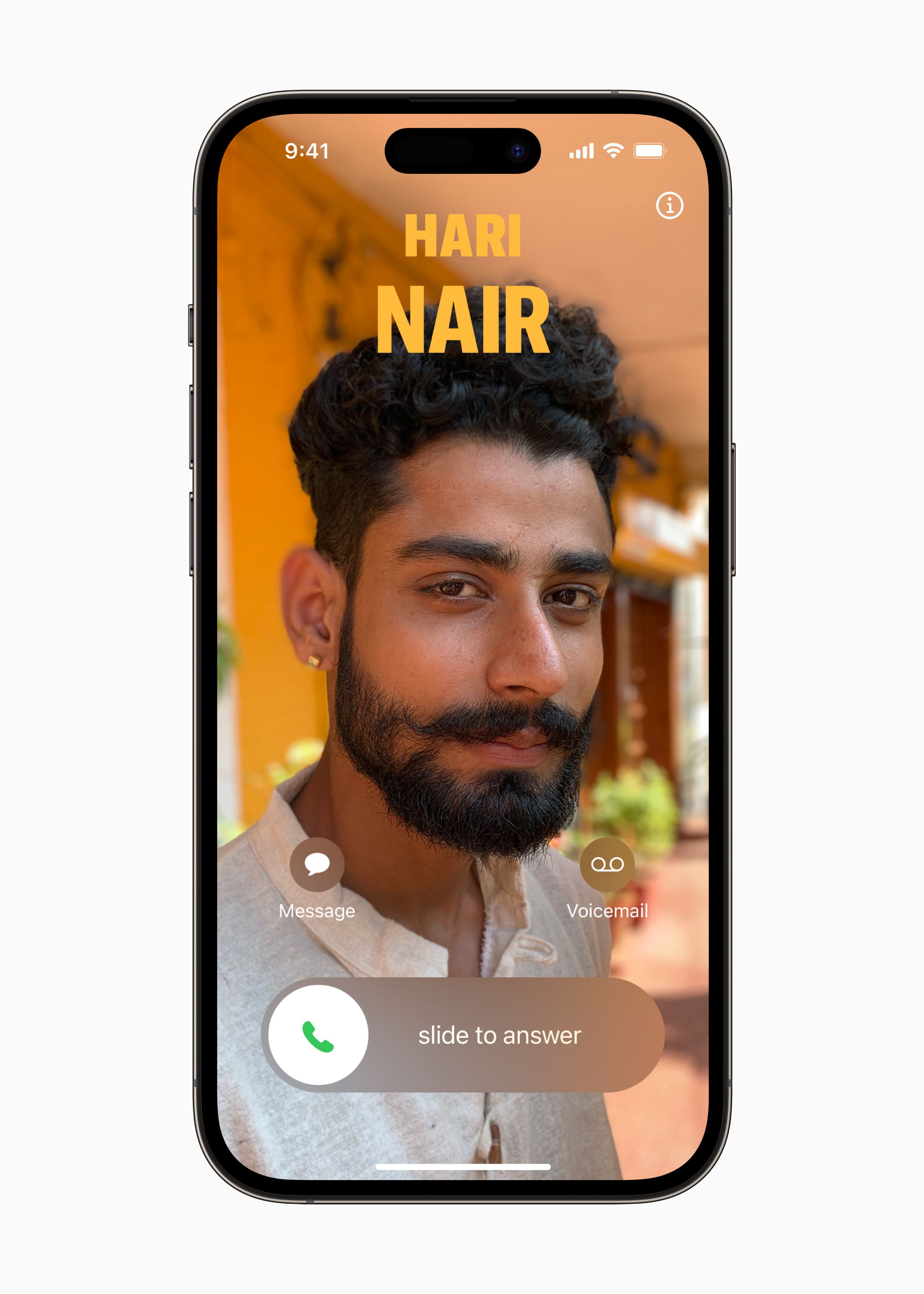
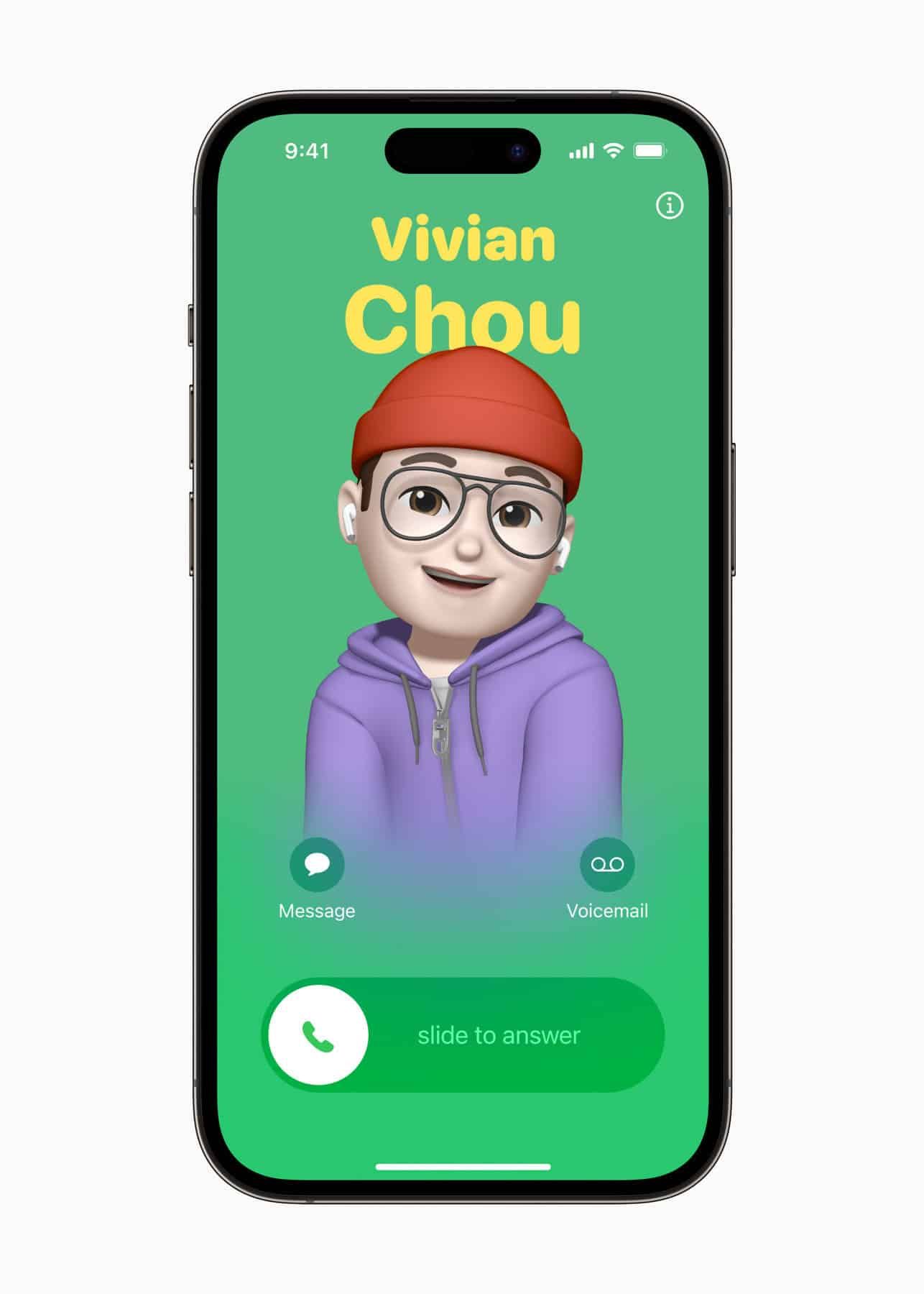
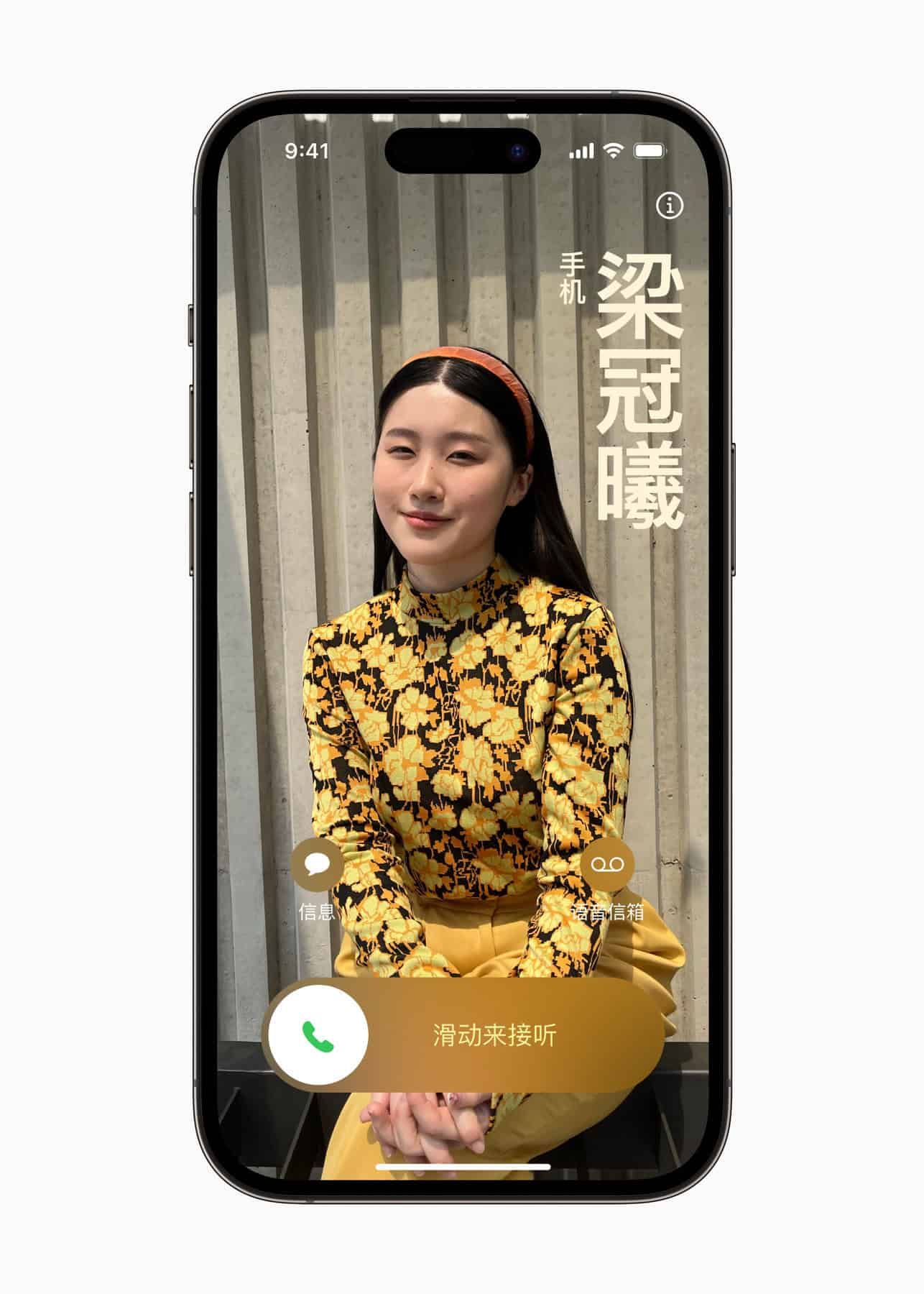
Personalized Contact Posters: In iOS 17, you can create personalized Contact Posters to express yourself with photos, Memoji, and typography. Contact Posters work in the standard Phone app as well as in third-party calling apps.
Live Voicemail: When someone leaves a voicemail, you can now view a live transcription in real time and pick up the call.
FaceTime audio and video messages: If the person you are trying to reach on FaceTime is unavailable, you can leave a video or audio message. In addition, FaceTime using iPhone's Continuity Camera is now also available on Apple TV 4K.
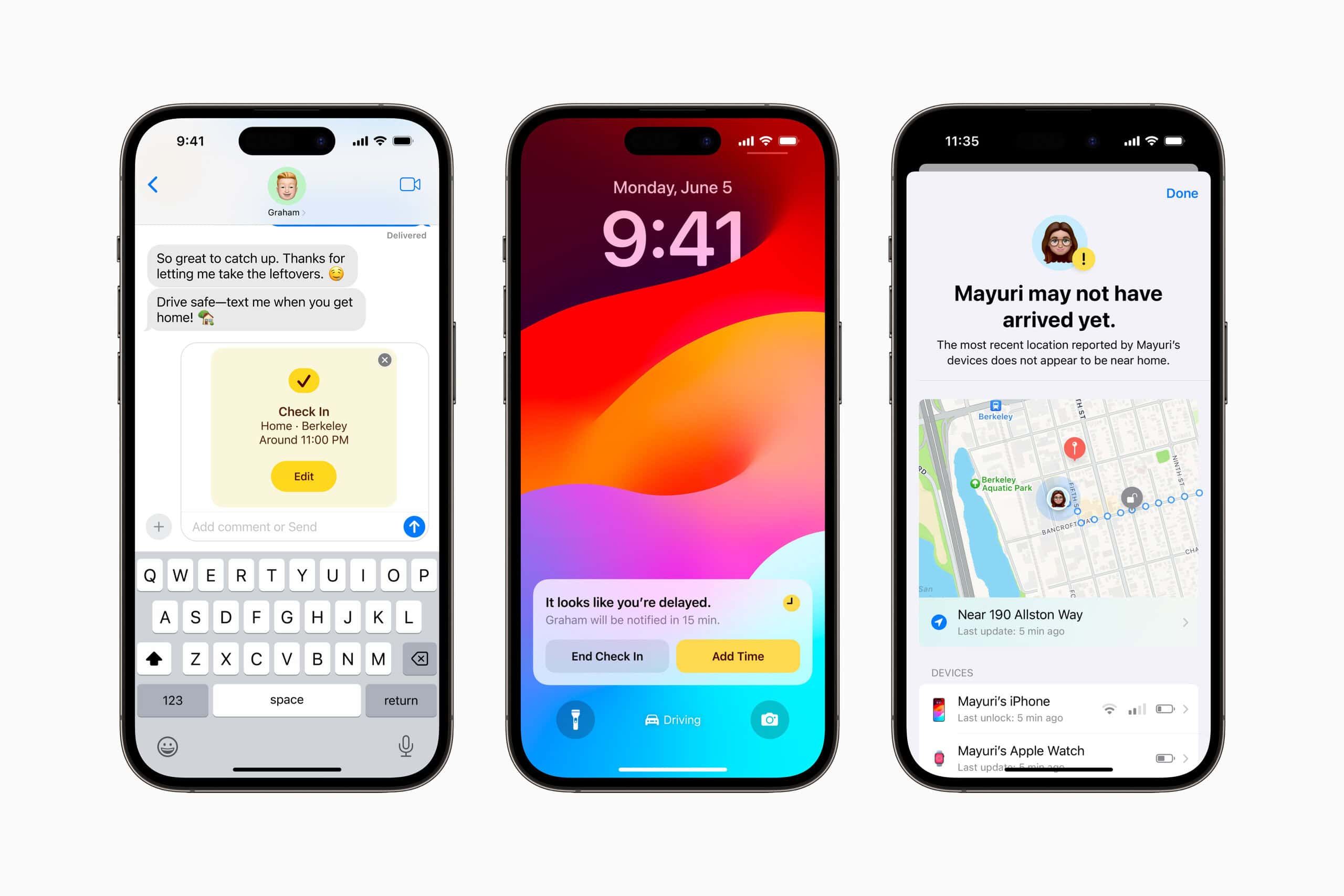
iMessage improvements: Enjoy the latest evolution of iMessage, including a new location for iMessage apps, automatic Check In, swipe-to-reply gestures, search filters, and transcription of audio messages.
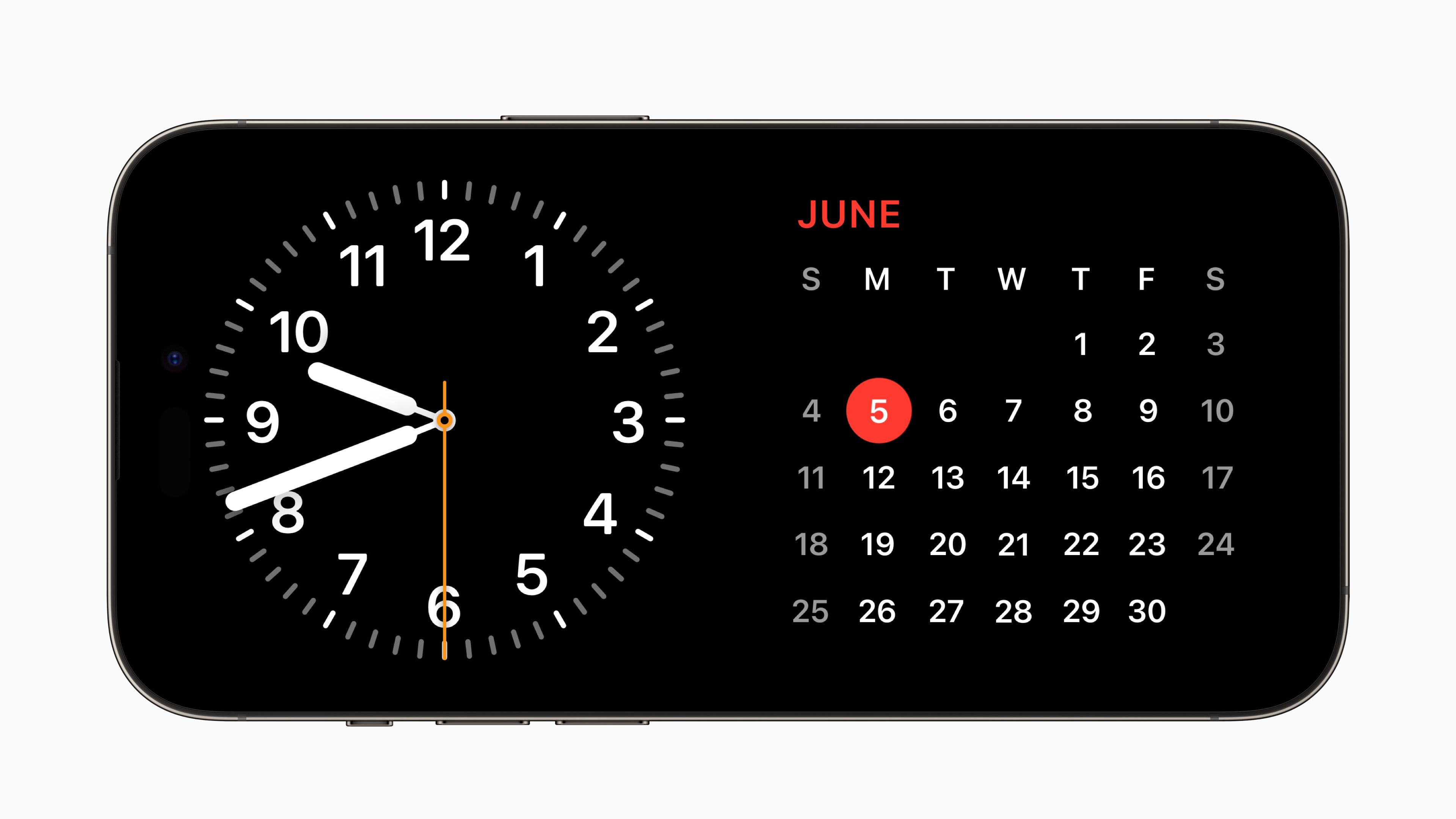
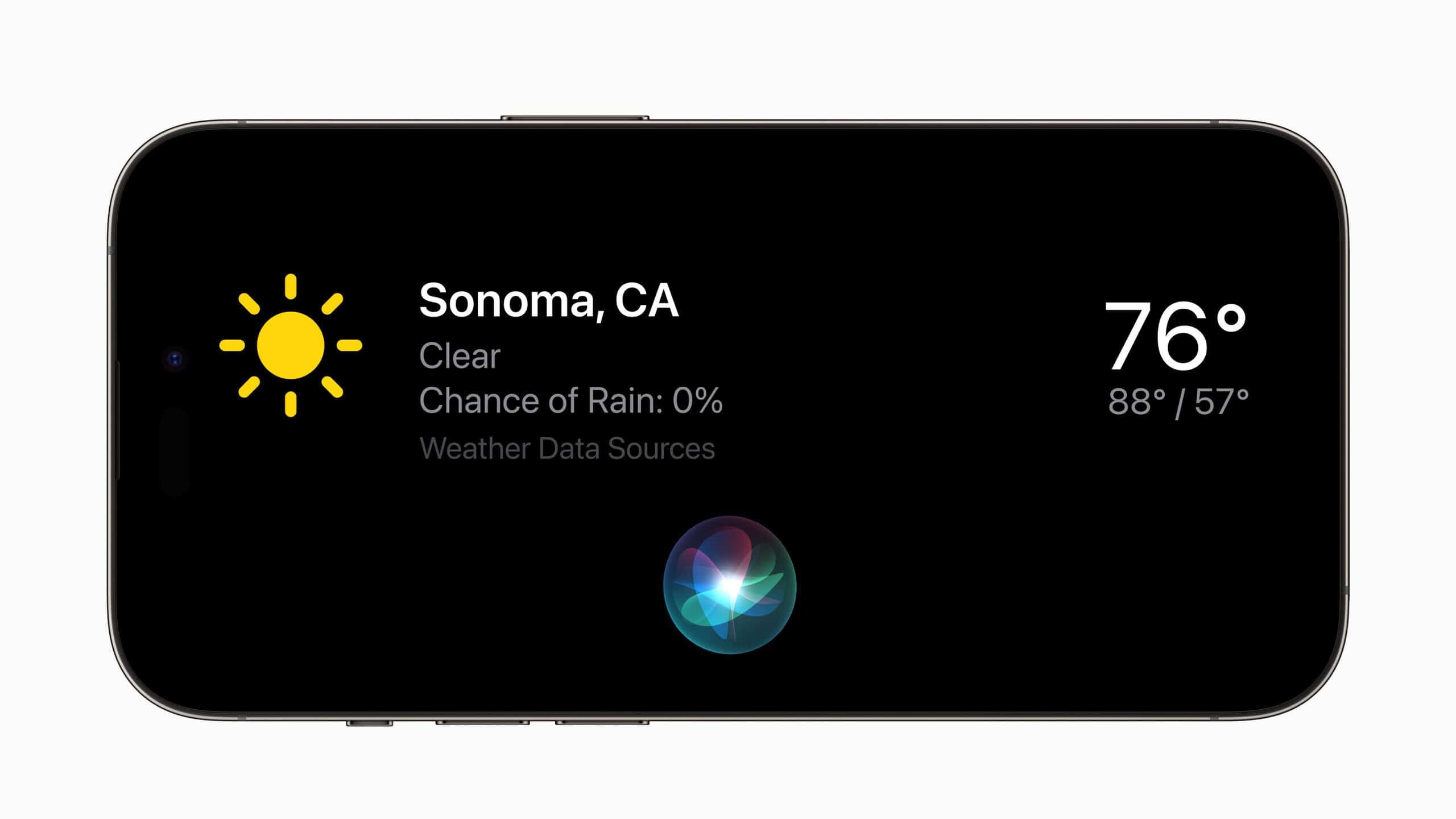
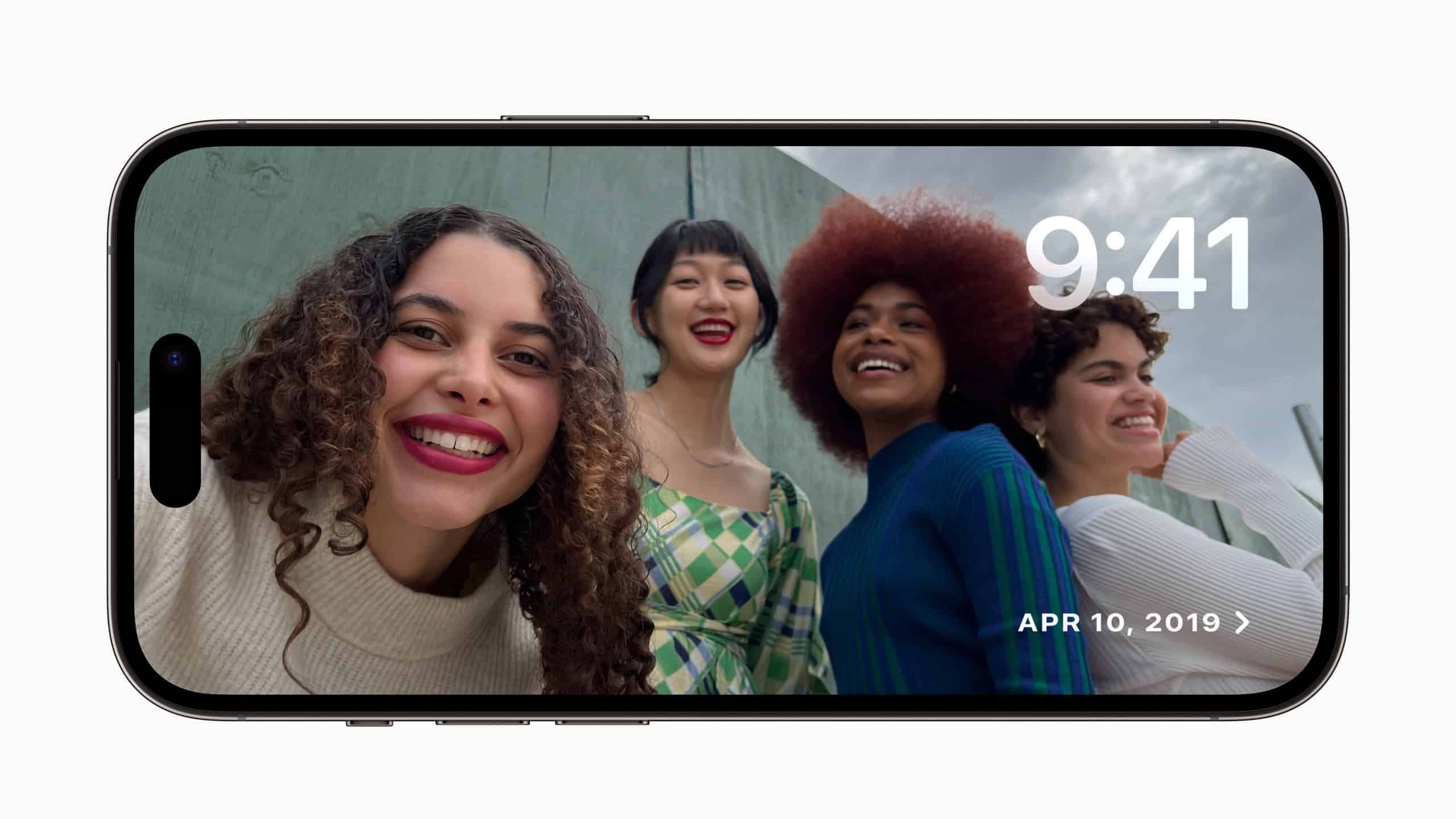
StandBy mode: When you turn your iPhone on its side while it charges, it now displays useful information such as the date and time, music, photos, Live Activities, and Siri results. StandBy is also available for third-party apps.
Interactive widgets: From the Home Screen, you can now check off reminders, play music, and interact with smart home items without opening the corresponding app.
NameDrop: Simply hold two iPhones close together to exchange contact-related data such as phone numbers, email addresses, and Contact Posters with another person.
AirDrop improvements: iOS 17 makes sharing items with AirDrop easier. Bring two iPhones close together to start a transfer. Later this year, an option will be added to transfer files with AirDrop over the internet when you are not nearby.
Keyboard improvements: In iOS 17, autocorrected words are underlined, and you can revert them with a single tap. You can also tap the space bar to use inline predictions and complete a word or an entire sentence.
Safari upgrades: In the built-in iOS browser, you can separate your history, extensions, Tab Groups, cookies, and favorites to create dedicated spaces for work, personal browsing, and other activities.
AirPods: In iOS 17, AirPods Pro (2nd generation) gain Adaptive Audio, which dynamically blends Transparency mode and noise cancellation. You can also press the AirPods stem to quickly mute and unmute during calls. Finally, Apple has made automatic switching easier, faster, and more reliable.
Health app: The Health app is significantly upgraded in iOS 17, letting you track more health metrics, including state of mind and time in daylight (on supported Apple Watch models). The medication tracker offers more reminders and shows charts, highlights, and summaries of when and how consistently you take your medications. Finally, iPhone now warns you if you hold it too close to your eyes, which could put your eyesight at risk.
Siri improvements: In iOS 17, you no longer need to say "Hey" to summon Siri; you can simply say "Siri." The digital assistant also handles back-to-back requests.
Other Changes in iOS 17
These are just some of the major features in iOS 17. The update includes many other improvements and changes.
- Downloadable maps for offline use, and real-time monitoring of electric vehicle charging stations.
- Autofill of verification codes received by email.
- Password sharing with trusted contacts.
- Communication Safety, now with added protection for sensitive videos and photos received via Messages, AirDrop, FaceTime, and more.
If you are unable to update iOS, this site (in Japanese) offers detailed troubleshooting steps.
Causes and fixes when your iPhone can't be updated (Japanese)