


In the world of lithium-ion batteries, smartphones take center stage. But does charging for long periods (or overnight) do serious damage to your battery?
A smartphone battery's lifespan is determined by a variety of factors, including manufacturing age and chemical age. The latter refers to the gradual degradation of the battery due to variables such as temperature fluctuations, charge and discharge patterns, and overall usage.
Over time, the chemical aging of a lithium-ion battery reduces charging capacity, battery life, and performance.
According to Apple:
A normal (iPhone) battery is designed to retain up to 80% of its original capacity at 500 complete charge cycles when operated under normal conditions.
Research shows that a 2019 smartphone battery may undergo an average of 850 complete charge-discharge cycles before dropping to 80% capacity or below. In other words, after about two to three years of use, only 80% of the original battery capacity remains. From this point on, battery drain accelerates significantly.
Should you charge your smartphone overnight?
Most newer-generation smartphones take 30 minutes to two hours to fully charge.
Charging time varies depending on your device's battery capacity (larger capacity takes longer) and the amount of power your charger supplies.
Charging your smartphone overnight is not only unnecessary, it also accelerates battery aging. To maximize battery life, you should avoid full charges (charging from 0% to 100%).
Samsung states:
Frequently charging to 100% can negatively affect the overall lifespan of the battery.
Similarly, leaving your iPhone fully charged for extended periods can harm battery health.
Instead of a full charge, it's recommended to charge the battery to 80% and avoid letting it drop below 20%.
Is it safe to overcharge a smartphone?
In theory, a lithium-ion battery can be overcharged. This can lead to safety risks such as the battery overheating and catching fire. However, most modern smartphones have built-in protection features that automatically stop charging once the battery reaches 100%, preventing damage from overcharging.
That said, every time the battery drops to 99% (because apps are running in the background), "trickle charging" kicks in. In other words, charging resumes again to maintain a fully charged state.
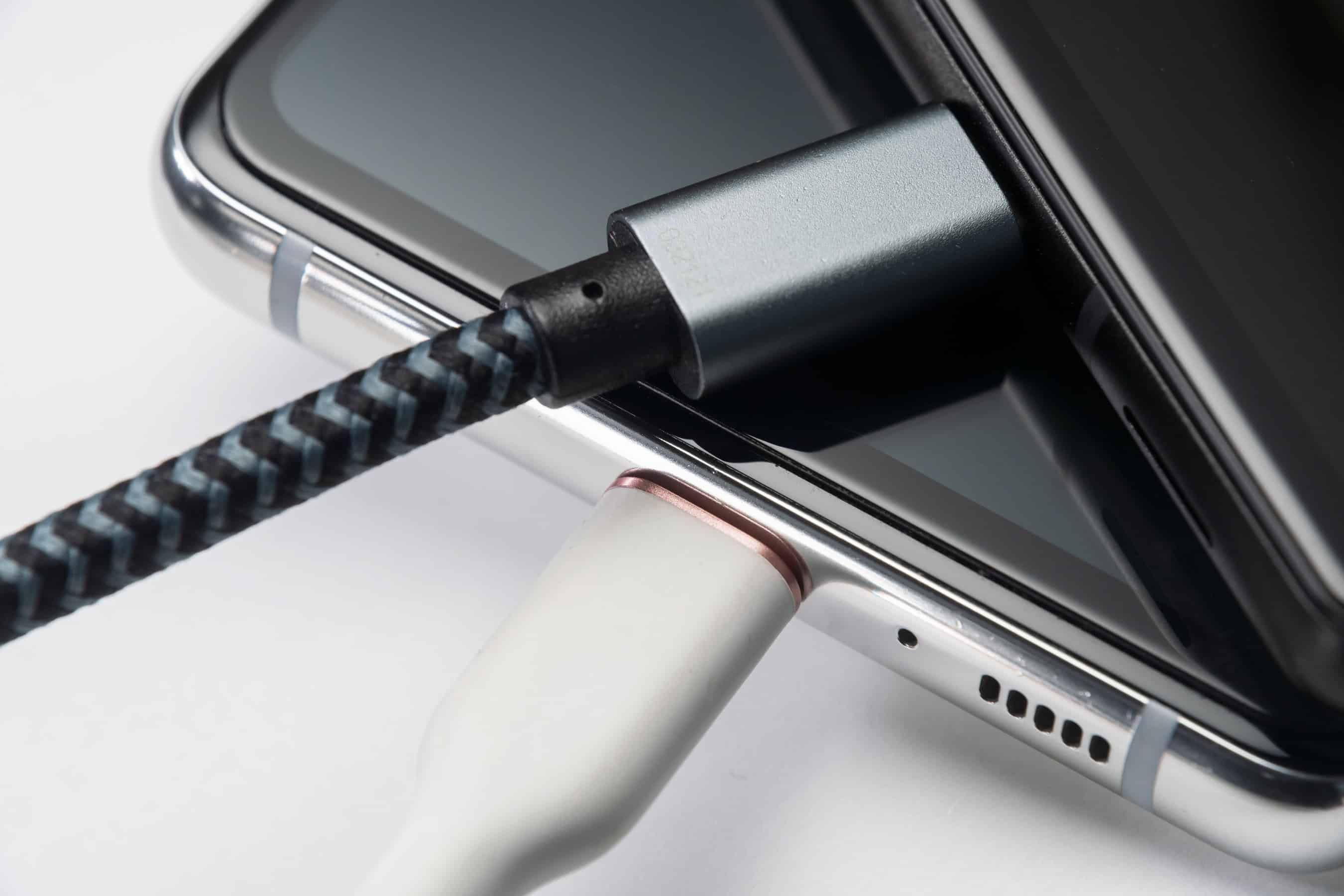
Trickle charging wears down the battery over time. For this reason, many manufacturers have features that adjust trickle charging. Apple's iPhone has a feature that delays charging beyond 80%. Samsung's Galaxy smartphones have an option to set a charging limit of 85%.
Can charging cause a smartphone to explode?
The likelihood of a smartphone exploding due to charging is extremely low.
That said, over the years there have been several reports of smartphones unexpectedly exploding. This is usually the result of manufacturing defects, poor-quality hardware, or physical damage.
Lithium-ion batteries can overheat when the heat generated during charging isn't fully dissipated. This can cause burns or, in extreme cases, lead to fire.
These batteries also operate effectively within a temperature range of 0°C to 40°C. Beyond this range, they can swell, potentially causing fire or explosion.
Using an incorrect, defective, or low-quality charger or cable poses a risk of overheating or fire, and can also damage the smartphone itself.
Tips for extending battery life
Your smartphone likely has built-in safety mechanisms to protect its battery, but exercising care can help make your battery last even longer. Here are some ways to protect your smartphone's battery:
- Install the latest software updates to ensure your smartphone always reflects the manufacturer's battery efficiency improvements.
- Use genuine or certified chargers—third-party chargers not sold by the manufacturer may supply different power levels (amperage, voltage, wattage) and may not meet necessary safety standards.
- Don't expose your smartphone to high temperatures—Apple and Samsung state that smartphones perform best in an ambient temperature range of 0°C to 35°C.
- Limit charging to 80% of full capacity, and avoid letting it drop below 20%.
- Don't leave your phone charging overnight—unplug it once the battery reaches 100%.
- Keep your phone in a well-ventilated area while charging, and avoid placing your smartphone or charger under blankets, pillows, or your body while it's plugged in.
- Monitor your battery's condition and watch for unusual trends, such as taking too long to charge or draining too quickly.
- If you notice your smartphone becoming excessively hot, or the back panel bulging or swelling, have it inspected and repaired at an authorized service center.
If you want specific information about your smartphone or battery, it's best to follow the manufacturer's guidelines.