

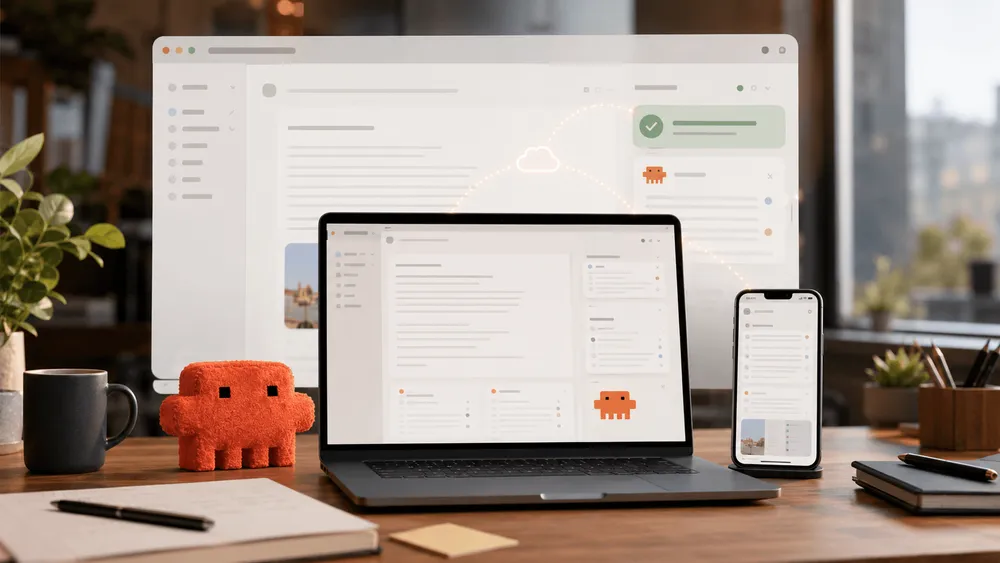
Anthropic has made Claude Cowork available on smartphones and Web browsers. According to the announcement on July 7, 2026, beta access starts with Max users and will expand to other plans over the coming weeks. The change goes deeper than simply adding support for new screens: Cowork sessions now run remotely, with files and work state stored on the Claude account side, so work continues even after the device is closed.
Until now, Cowork—despite being an AI agent built for knowledge work—was effectively tied tightly to the desktop app. There was a Dispatch feature for sending requests from a smartphone, but actually progressing the work required the desktop Claude app to be open, and the PC to be awake. With this update, Anthropic has changed that premise. Starting, checking, and approving tasks can now happen on a smartphone, while the execution itself moves closer to running in the cloud.
Instead of a Closed PC, a Cloud-Side Workspace Now Runs
Anthropic's Help Center describes the current Cowork remote session as a beta feature. Claude's work runs on Anthropic's servers rather than the user's computer, and sessions and files are stored in the Claude account. Users can check a task they started at their desk from a smartphone, and open the results in a Web browser. Notifications asking Claude for a decision or approval also arrive on the smartphone.
This change matters most for long-running tasks. Anthropic gives the example of scheduling Monday-morning customer prep at 6 a.m. Claude reviews emails and meeting notes, checks recent news, and leaves behind a briefing document and a draft email ready to send. Because scheduled tasks run remotely, they proceed even while the PC is asleep. It's a design that treats the AI agent not as an on-the-spot responder, but as someone to whom you entrust work across time.
However, this doesn't mean all local PC functionality has simply moved over to Web and smartphone. Anthropic explicitly states that the desktop remains the place for deep work. Features that reach things on the user's machine—local files, browser operations, or Computer Use—are only available when Claude Desktop is open and there are connected folders or granted permissions. Cowork on Web and mobile primarily uses files and connectors stored in the Claude account.
Half of All Usage Concentrates on Business Organization and Content Creation
Essential to understanding this announcement is the Cowork usage data Anthropic released the same day. The company classified 1.2 million anonymized, aggregated Cowork sessions from May 11 to May 31, 2026, into 20 work categories. The sample came from more than 600,000 organizations, drawn not at a fixed proportion but capped at a certain limit.
The largest category was "business process and operations," accounting for 33.4% of the total. This includes tasks like consolidating scattered updates into a single report, creating onboarding checklists, or reconciling spreadsheets. The next largest was "content creation and copywriting" at 16.4%, covering the creation of slides, proposals, posts, and internal drafts. Combined, these two categories reach nearly half of the sample.
By contrast, software development accounted for only 8.7%. DevOps and infrastructure came to 7%, research and intelligence to 6.4%, and data analysis and BI to 5.8%. As Anthropic emphasizes, over 90% of Cowork usage is not software development. While Claude Code has embedded itself in developers' core work, Cowork is taking on the "work around the work" that occurs across job roles—tasks like reconciling quarterly spending, extracting update risks from contract folders, or creating customer-facing materials from meeting notes.
These numbers also explain the significance of smartphone support. Business organization and document creation pair well with fragmented pockets of time—between meetings, during a commute, or preparing the next morning. Users don't need to watch every step of processing on screen, but they still need to make judgment calls along the way and give final approval themselves. Mobile notifications serve as the channel that brings that human judgment back into the flow of the work.
Convenience Comes with Shifting Data Boundaries
Making Cowork remote raises both usability and audit questions for enterprises simultaneously. In its safety documentation, Anthropic explains that remote sessions run in a temporary, isolated environment and are deleted once the session ends. However, what's isolated is where the code runs—not what Claude reads or which operations it's permitted to perform.
This is where the line is drawn for enterprise adoption. When a remote session reads local files, those files are retrieved through Claude Desktop and processed on Anthropic's servers. In other words, using the desktop app doesn't automatically mean the work always stays local. The scope of what Cowork can execute depends on the folders the user has connected and the connectors they've authorized—the same goes for installed plugins and apps touched via Computer Use.
Anthropic itself lists prompt injection as a primary risk. Claude reads emails and Web pages, ingesting content—such as documents—from outside the trust boundary. Combined with permissions to write or send, malicious instructions embedded in that content could translate into real-world actions. The company recommends using "Ask before acting" for important tasks, limiting access to local files, and carefully configuring scheduled tasks. Cowork activity is not currently logged in the Compliance API—one more constraint, though Team and Enterprise admins can stream events to SIEM or monitoring tools via OpenTelemetry.
Usage-limit design also remains in a trial phase. Anthropic has extended a promotion doubling Cowork's 5-hour usage limit from June 5, 2026 through 11:59 p.m. PT on August 5, 2026. This applies to Pro, Max, Team, and traditional seat-based Enterprise plans, but excludes the Free plan and consumption-based Enterprise seats. Weekly limits remain unchanged. As long-running agents expand, readers should look not only at features but also at how usage and pricing are designed.
The Race to Operate Agents from a Smartphone Has Begun
Anthropic's update is also part of a broader trend toward operating AI agents from smartphones. In June 2026, OpenAI announced a feature letting users check, approve, and redirect Codex's work from the ChatGPT mobile app. According to OpenAI's explanation, files and credentials remain on the machine where Codex runs, as do permissions and the local environment. The smartphone receives streams of work state and changes, with test results and approval requests visible on the same screen. This resembles a design for remotely operating a development environment.
Cowork takes a different direction from there. While retaining desktop integration, it keeps the knowledge-work session itself persistently running on Anthropic's cloud, placing Web and mobile side by side as the same work surface. Chat and Cowork now start from the same home screen, and Projects and Artifacts can be handled across screens as well. Rather than separating chatbot and agent as distinct products, this pushes toward an experience where work is handed off directly from the conversational entry point.
What will decide this competition isn't simply whether smartphone support exists. Enterprises will first look at what data leaves for the cloud. Which operations require human approval, and how much visibility administrators have, will also factor into the decision. Whether usage allowances scale to match long-running execution is another point that can't be ignored. Claude Cowork's mobile/Web support has pushed the AI agent beyond a convenient on-device feature and toward becoming infrastructure for work that keeps running continuously. The next axis for evaluation will be how much that infrastructure can be trusted.