


On October 27, 2026, Apple announced a 14-inch MacBook Pro powered by its latest chip, the M6. In Japan, preorders begin October 29, and the laptop goes on sale November 6. Prices start at 339,800 yen including tax, or 322,800 yen including tax for students and educators. According to Apple, AI workloads run up to 25% faster than on the M5 model.
However, evaluating the progress in AI performance properly means looking beyond the chip itself to the memory configuration. Memory bandwidth, which indicates how much data the CPU and GPU can transfer to and from memory per unit of time, splits into 153GB/s and 170GB/s depending on installed capacity. Faster on-device AI processing is also a separate matter from when and under what conditions features such as Siri AI become available. Siri AI will be offered as a beta in macOS 27.2, and some features depend on server-side models, so not every feature will be available the moment the new product launches.
How Much Has the M6's Performance Improved?
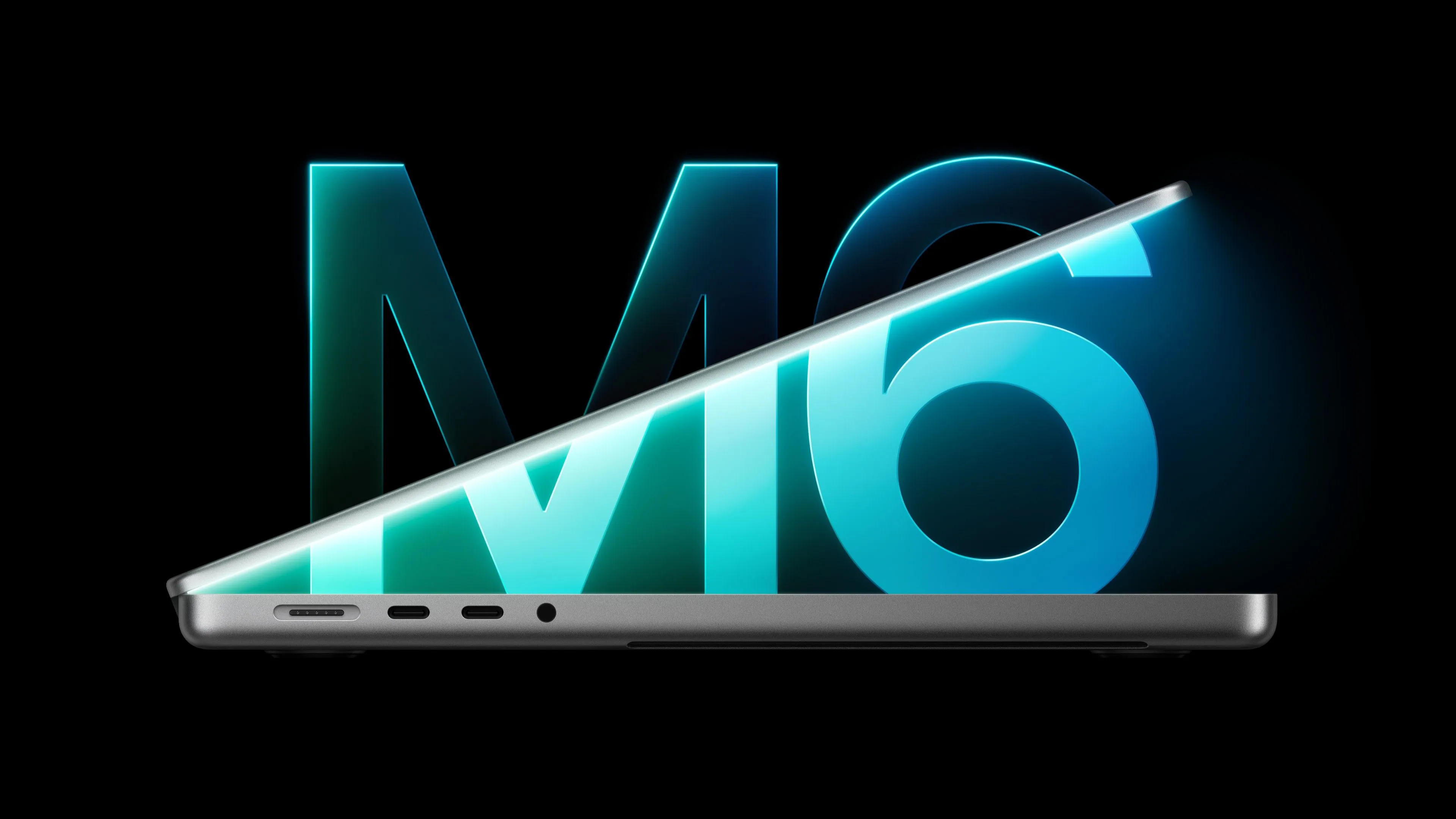
The M6 has a 12-core CPU and a 12-core GPU, two more cores each than the M5. In its official announcement, Apple says graphics performance improves by up to 30% over the M5, and the performance of the dual 16-core Neural Engine reaches up to 1.9 times higher. Apple has increased the CPU and GPU core counts while also strengthening the dedicated hardware that handles AI processing.
AI processing also uses the Neural Accelerator, a dedicated compute unit built into each GPU core. However, the Neural Accelerator is not new to the M6; it was already present in the previous-generation M5. Rather than adding a new AI compute mechanism, this generation's advance comes from strengthening the existing architecture and raising the chip's overall processing power.
Actual performance gains vary significantly depending on the task and the point of comparison. Apple's published internal test results are summarized below. Note that the LLM (large language model) metric refers to the wait time until the first token is generated after input, which is different from the generation speed of an entire text.
| Task | vs. 13-inch MacBook Pro with M1 | vs. 14-inch MacBook Pro with M5 |
|---|---|---|
| Time to first LLM token | Up to 13x faster | Up to 1.3x faster |
| Blender ray tracing | Up to 11.7x faster | Up to 1.3x faster |
| Affinity image processing | Up to 3.3x faster | Up to 1.2x faster |
| Xcode project builds | Up to 2.5x faster | Up to 1.3x faster |
Compared with the M1 model, the performance gains are substantial, while the difference from the immediately preceding M5 model is relatively small. In addition, the figure of up to 1.9 times for the Neural Engine alone and the figure of up to 25% faster for overall AI workloads measure different things. The maximum value obtained in a specific task cannot be interpreted as the performance improvement for AI processing in general.
The M5 MacBook Pro Apple used as its point of comparison is configured with a 10-core CPU, 10-core GPU, 32GB of unified memory, and a 4TB SSD. These performance figures are nominal values based on Apple's internal testing, not the results of independent verification by a third party. Depending on the configuration you buy and the work you actually do, you may not see performance differences as large as those shown in the table.
Wi-Fi 7 and Bluetooth 6 Support, Up to 24 Hours of Battery Life
The new 14-inch MacBook Pro updates its wireless features to Wi-Fi 7 and Bluetooth 6. Battery life is rated at up to 24 hours, but that is not an extension over the previous generation. Apple also advertised up to 24 hours of battery life for the M5 model it announced on October 15, 2025.
The M6 model's rated battery life is up to 24 hours of video streaming and up to 16 hours of wireless web browsing. In other words, the 24-hour figure is based on specific video playback conditions and does not mean you can work continuously for 24 hours doing typical tasks. The laptop also supports fast charging, reaching up to 50% in 30 minutes when using a compatible high-power adapter such as the 96W model.
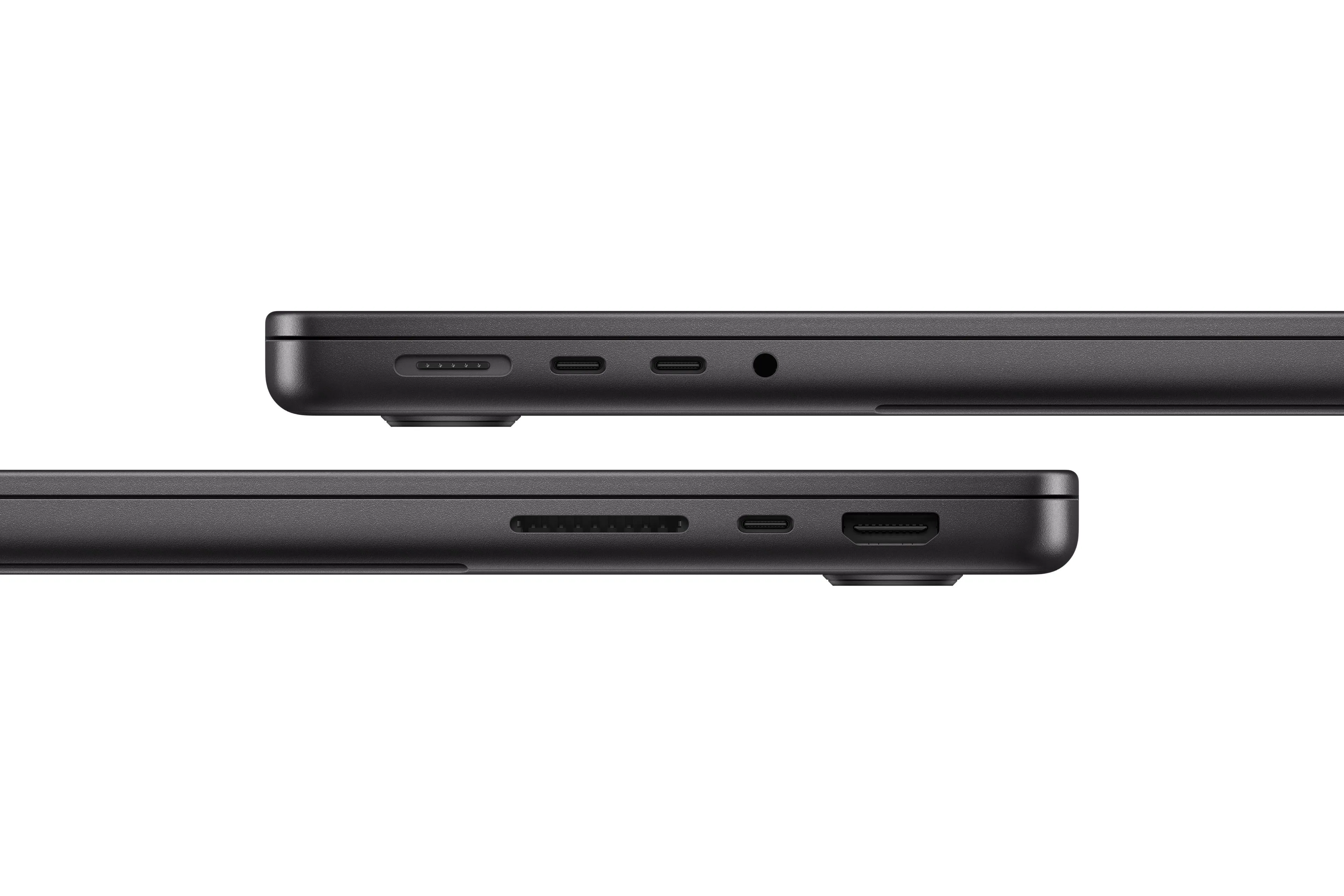
For external connectivity, it has three Thunderbolt 4 ports and continues to include HDMI, MagSafe 3, an SDXC card slot, and a headphone jack. It can connect to up to two external displays. The display is a Liquid Retina XDR panel with peak brightness of 1,600 nits when showing HDR content. A Nano-texture display is available as an option, and the laptop also has a 12MP camera and six speakers.
Thus, while the M6 model improves processing performance and wireless capabilities, its maximum battery life is unchanged from the M5 model. It is worth noting that the performance gains have not translated directly into longer battery life.
For AI Use, Look at Bandwidth as Well as Memory Capacity
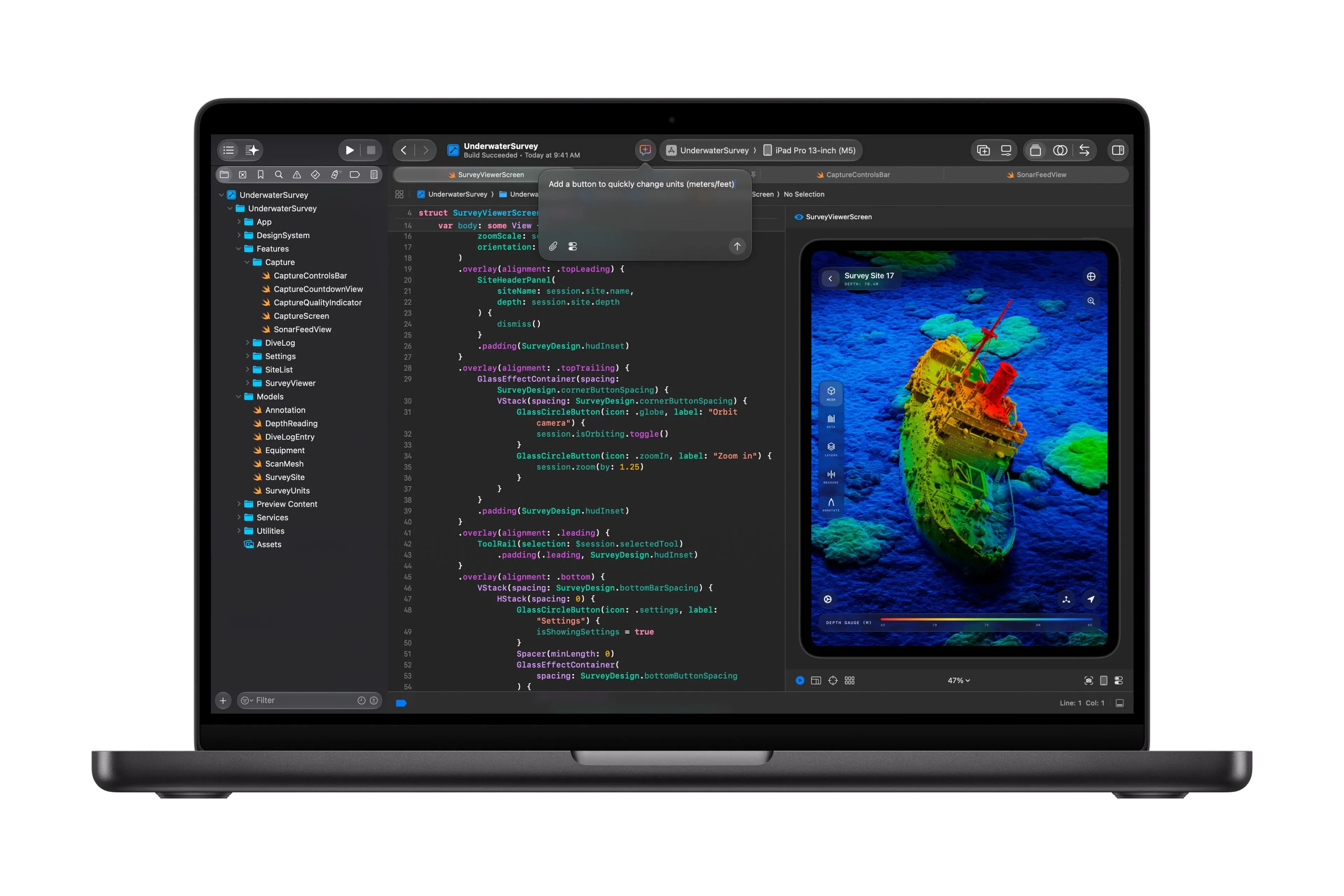
For those buying the M6 MacBook Pro for AI use, the capacity and bandwidth of unified memory are especially important. TechCrunch's report highlights that memory bandwidth has grown from the M5's 153GB/s to as much as 170GB/s on the M6. However, Apple's official technical specifications show that the 170GB/s figure does not apply to every configuration. The 16GB configuration remains at 153GB/s, while the 24GB and 32GB configurations reach 170GB/s.
| Unified memory capacity | Rated memory bandwidth |
|---|---|
| 16GB | 153GB/s |
| 24GB | 170GB/s |
| 32GB | 170GB/s |
This table summarizes the relationship between memory capacity and bandwidth that Apple has published for the 14-inch MacBook Pro with M6 at the time of the announcement. Upgrading from 16GB to 24GB or more increases not only memory capacity but also bandwidth. However, bandwidth is only a nominal hardware figure and does not guarantee the actual speed of applications or LLMs. Whether a particular AI model can run, and how fast, also depends on the model's size, its memory usage, and the nature of the processing. Storage comes standard with a 1TB SSD and can be changed to 2TB or 4TB.
Another point worth checking is the conditions under which AI features are offered. The M6 MacBook Pro ships with macOS 27 Golden Gate, but according to a footnote in Apple's Japanese announcement, Siri AI will be offered as a beta in macOS 27.2. Although it supports Japanese, using it requires a compatible language setting and Apple Intelligence to be enabled, and users under 13 cannot use it.
In addition, some Apple Intelligence features that use server-based models, such as Siri AI and advanced photo editing tools, have daily usage limits. The limits vary by feature and may change. Apple has indicated that it plans to let users increase their usage allowances through paid plans in the future, but has not disclosed specific pricing or a launch date. Even if the M6 speeds up on-device AI processing, it does not remove the usage limits on features that require server-side processing.
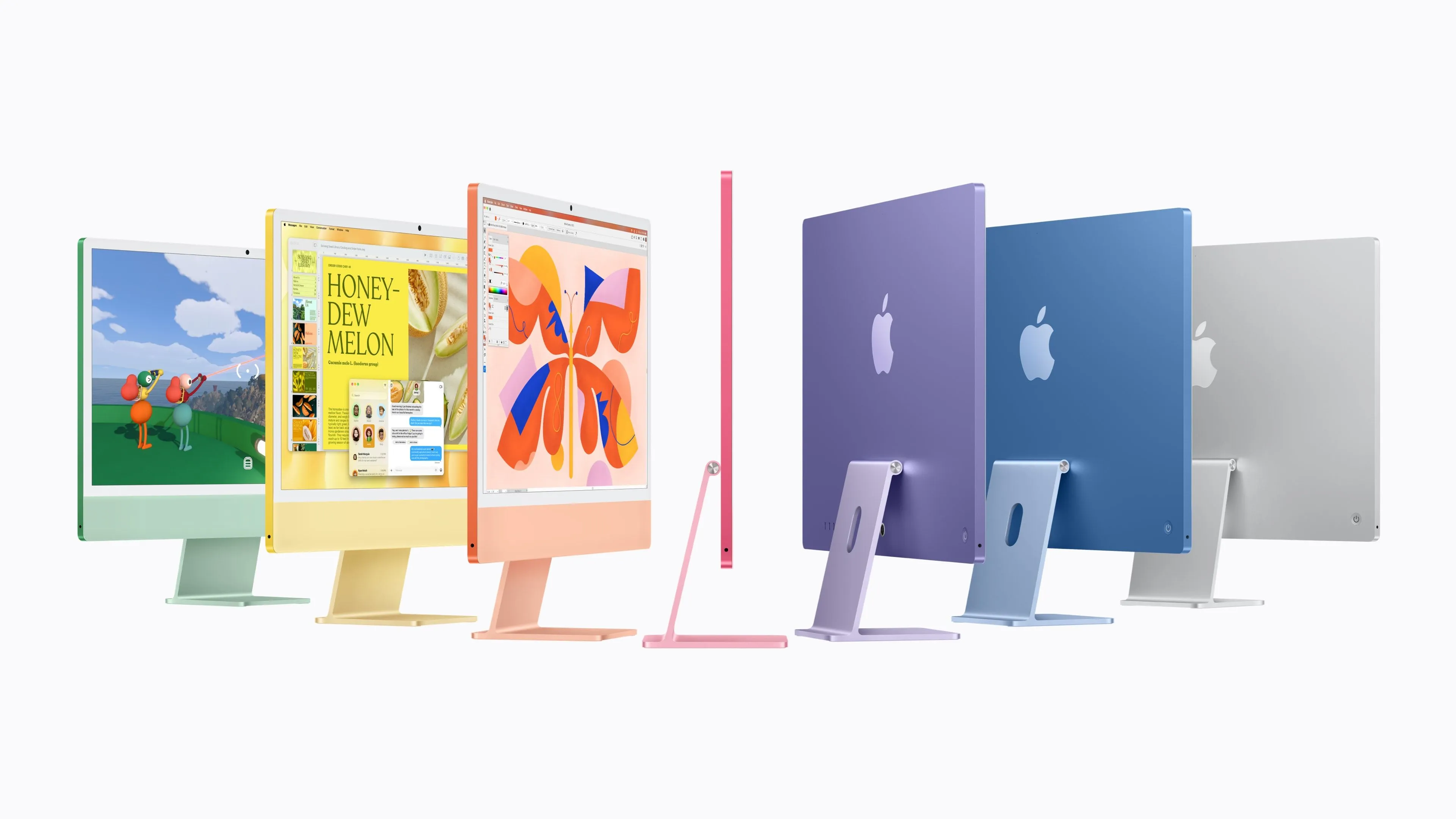
On the same day, Apple also announced an iMac with the M6. It likewise has up to a 12-core CPU and GPU and supports Wi-Fi 7 and Bluetooth 6. According to Apple, prompt processing speed in LM Studio reaches up to 5 times that of the M4 iMac and up to 12 times that of the M1 iMac. However, these figures differ in both comparison targets and measurement metrics from the MacBook Pro's up to 25% faster AI workloads versus the M5 and its up to 13 times faster time to first token versus the M1. The published multipliers alone therefore cannot be used to compare the AI performance of the two products directly.
When considering an M6 MacBook Pro purchase, first distinguish whether the AI processing you plan to use runs entirely on the device or relies on cloud-based services. For the former, the memory capacity your intended models require and the bandwidth of each configuration are what matter; for the latter, the availability of the macOS 27.2 beta and the usage limits for each feature are the deciding factors. What matters is to evaluate the laptop not just by the maximum performance Apple cites, but against the configuration you would actually choose and how you plan to use it.