

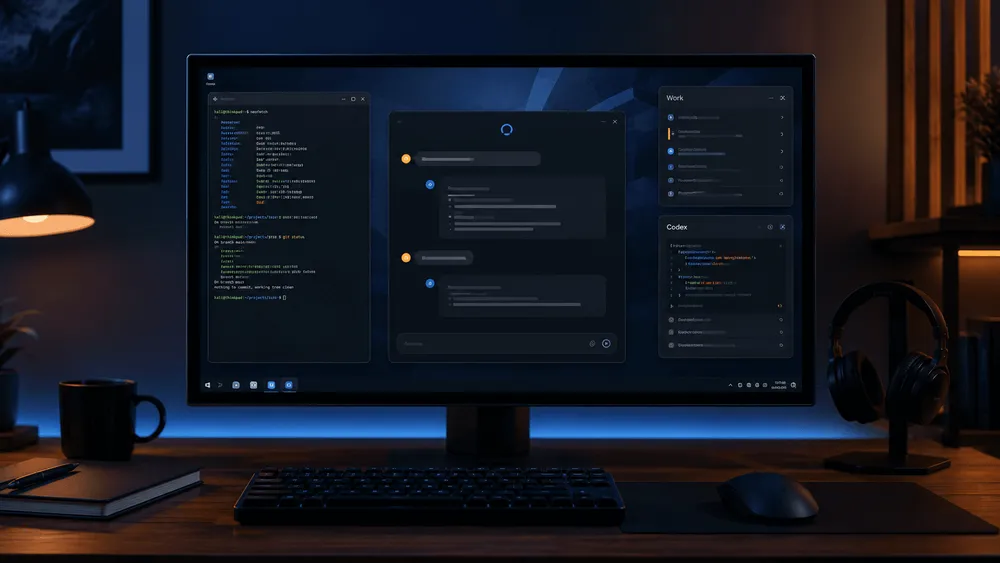
On August 11, OpenAI began offering a preview of the Linux version of the ChatGPT desktop app. According to the company's official X post, the app allows users to use ChatGPT, ChatGPT Work, and Codex on Linux, and also supports projects and browser workflows. Until now, the company had rolled out desktop apps for macOS and Windows, and this announcement extends the integrated desktop experience to Linux as well.
The key point of this release isn't simply running the chat screen on Linux. It's that Work, which handles long-running tasks, and Codex, which deals with local development environments, are now included in the same app. For Linux users, this integrated desktop app adds a new entry point alongside the conventional approach of opening ChatGPT in a browser and handling development work via Codex CLI.
The Linux Version Isn't Just "ChatGPT Alone"—It Includes Work and Codex Too
::tweet[https://x.com/OpenAI/status/2087231350134980830]
On July 9, OpenAI had explained that it was globally rolling out a new ChatGPT desktop app for macOS and Windows that consolidated multiple features into one. Chat handles questions and conversations, Work handles research and creating deliverables, and Codex handles software development. Rather than launching this Linux version as a separate app, OpenAI is extending this same integrated product structure to Linux.
Work plays a different role from chat, which answers short questions. According to OpenAI's explanation, with permission granted, it can work with local files and desktop apps, and its built-in browser can operate on websites, compatible web tools, and files. Codex includes features for editing changed code, reviewing pull requests, Computer Use, and handling multiple repositories within a single project.
Therefore, the significance of the Linux version extends beyond simply moving browser tabs into an app window. It's about making the "conversation," "delegated work," and "development" pathways that OpenAI built for desktop available to Linux users under the same account. The official X post also states that projects and browser workflows are available on supported Linux systems.
However, this announcement alone doesn't confirm that features described for macOS and Windows work to the same extent on Linux. The Linux version is still just a preview, and whether Work's desktop app integration and Codex's Computer Use are available on Linux requires separate confirmation.
What can be confirmed from the official X post's wording is that the Linux version includes ChatGPT, Work, and Codex, along with projects and browser workflows. The detailed features listed in July's release notes cannot be directly read as a feature compatibility chart for the Linux version.
Coverage Spans Five Releases, Starting as a Preview
The releases OpenAI is currently targeting for the desktop version are Ubuntu 24.04 LTS, Ubuntu 26.04 LTS, Debian 13, Fedora 43, and Fedora 44. While Linux has numerous derivative distributions, it would be premature to read this announcement as "support for Linux in general." For now, these five releases serve as the baseline.
This limitation shows that OpenAI hasn't promised operation across all Linux environments at this time. Whether users of derivative distributions can actually use the app needs to be distinguished from whether their environment is officially guaranteed versus whether it happens to work through testing.
The distribution channel also warrants attention. On OpenAI's general desktop download page, the OS options displayed are macOS and Windows, and the body text doesn't mention installer types, package formats, or CPU architecture requirements for Linux. While the preview launch was announced via official X, the specific installation steps and distribution source for the Linux version haven't yet been organized on that same page.
A Separate Entry Point Emerges Between the Web Version and CLI
Using ChatGPT on Linux itself isn't new. The web version has long been available, and Codex CLI has officially supported Linux as well. However, the browser serves as an entry point for conversation while the CLI serves as an entry point for development work—roles distinct from the integrated state management and operational flow found in the desktop app. This Linux preview isn't so much replacing these two existing pathways as adding an option that bundles both together in a GUI. For distributions outside the supported list, using the web version or CLI remains an option for now.
The desktop app OpenAI presented in its July release notes was designed to let users switch between Work and Codex while handling projects and recent work together. Work references local files and apps with permission, while Codex lets users review code changes. It's not yet clear how much of this design the Linux version inherits, but the addition of supported OS options has created a pathway for connecting to OpenAI's integrated app from Linux.
Here, the phrase "runs on Linux" shouldn't be confused with local AI. This announcement from OpenAI doesn't describe a feature for running models offline on a Linux PC. The official desktop version page describes a design that treats emails and screenshots as context, explaining that file and screen content are also covered. However, whether the same input pathways are available on the Linux version hasn't been confirmed. What can be read and written locally versus what gets sent to the cloud is a point that should be verified separately at the time of setup.
What to Check Next: Distribution Channels and Feature Scope
What should be examined first regarding Linux support isn't the number of supported distributions, but rather the boundary between features and distribution. Even if login and regular chat work across the five releases, it's not guaranteed that Work's local file operations, browser workflows, and Codex's change editing and Computer Use will all work in the same way. This official post announced the preview launch, but it doesn't provide a feature compatibility chart.
Linux users considering adoption should first check which of Ubuntu 24.04/26.04 LTS, Debian 13, or Fedora 43/44 matches their environment, then verify the official distribution link and required permissions. Whether the app works on derivative distributions needs to be confirmed separately from the expansion of officially supported targets.
Pricing, plan-specific conditions, CPU architecture, and package formats are also not mentioned in the official X post. Being able to install the app is a separate matter from being able to entrust it with daily development work.
With this Linux release, it's now confirmed that Linux has been added to OpenAI's desktop app lineup. The next pieces of information to watch for are the official distribution link, which features are available on the Linux version, and the conditions for moving from preview to general availability. Only once these become clear can users determine whether to shift their development environment into daily operation.