


On September 29 (US time), at its developer event DevDay 2026, OpenAI announced "ChatGPT Space," a place where teams and AI work together on shared documents and files. It replaces the previous Library and puts collaboratively editable documents, called "Pages," at the center of the work. The shift is from copying ChatGPT's replies into other documents to having people and AI keep revising the same page. However, co-editing a page and continuously updating it from external materials operate under different conditions. To judge Space's value, you need to look not only at what you can edit together, but also at how you hand off updates and who gets to see the information collected. OpenAI announcement
From Distributing Replies to Revising the Same Document
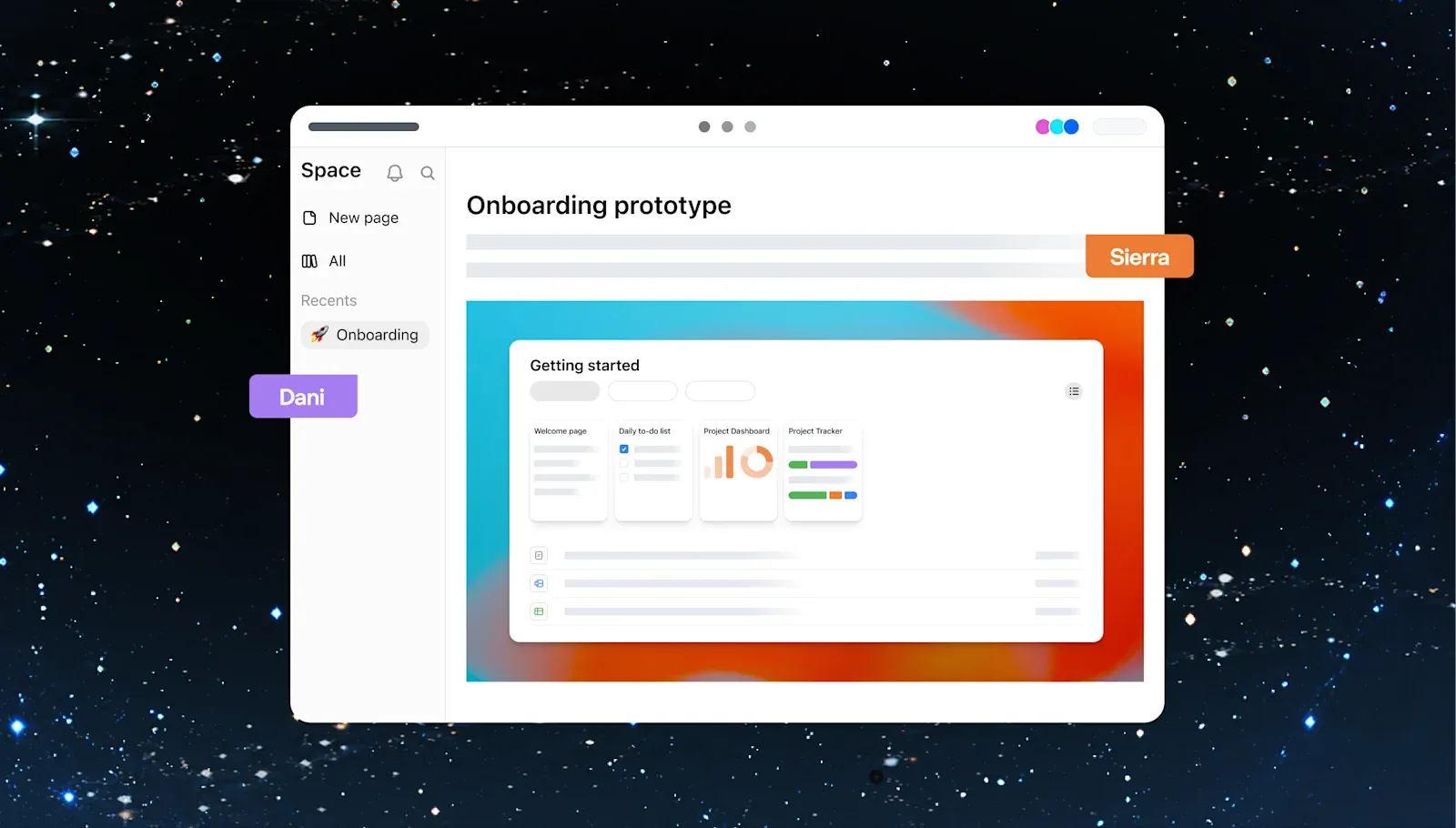
In Pages, ChatGPT and people can directly edit documents that combine text, images, and tables. You can add headings and checklists and split related materials into child pages. You can select a passage of a proposal and ask for a rewrite, or call ChatGPT from a comment to request a change, and colleagues with edit permission can work on the same page. Official Pages guide
For a new product launch plan, for example, you might put decisions at the top of the page and turn each owner's tasks into a checklist. Detailed research moves to child pages, which reference the supporting files and conversations. If a colleague comments, "This explanation doesn't make the target customer clear," you can point to that passage and have the AI rewrite it. The structure reduces the effort of drafting in separate conversations and merging them later.
Documents can also hold diagrams and small calculators that readers can interact with. The official guide gives a budget calculator as an example, where you change headcount, duration, and per-person cost to try out scenarios. Readers can not only read the numbers but also see, on the same page, how the results move when assumptions change. Reusable prompts can be placed in a "Prompt" block so readers can start a conversation from it. The document you read in a meeting and the entry point to the next task sit closer together.
That said, working with shared materials in ChatGPT is not new. The existing Projects also group related conversations, files, and instructions, and participants can start new conversations or branch from a colleague's conversation. What Space adds is a way of working that puts a jointly revised document up front. One could imagine a division of roles: discussion and research accumulate in Projects, while Pages is used to polish the plan the team looks at. Official explanation of Projects
Editing text directly and having the AI revise selected passages was also possible with the existing Canvas. According to the explanation when Canvas was introduced, people could edit text and code and specify parts for ChatGPT to modify. What is new in Space is a unit of work in which multiple collaborators revise that document on the same Pages and share it together with related materials and child pages. It can be seen as extending a feature for revising documents with AI into a mechanism for teams to maintain documents.
Note that a ChatGPT "workspace," personal or organizational, is different from a topic-based "space" created within Space. The former is the environment that defines members, settings, and available apps; the latter is a place that gathers related pages. Sharing a team space can also grant access to the pages inside it. You can also create and share a single page on its own. Official Space guide
Even when everyone has the same page open, everyone's AI does not necessarily operate under the same conditions. OpenAI explains that the agents, connected tools, and instructions used by collaborators may differ from person to person. What the team shares is the content of the document. Teams need to align on who revises which parts and which materials serve as the basis. Guide to working with agents
A Document That Keeps Updating Needs a Scheduled Update
OpenAI presents Space as a place for documents that keep updating while pulling in information from connected sources. However, a dedicated "Keep Updated" feature is not available at launch. To run recurring updates, you need to request the work in chat and check the saved schedule. Merely writing "update weekly" on a page or in an instructions field does not schedule a task. Official guide on recurring work
For example, you could check connected Slack and Google Drive materials every week and update the incomplete items in a launch plan. In that case, you would specify which materials to reference and which sections to update, then confirm the task's run time and active status. You would then look at the actual results to check whether the page changed as intended. It is the process of turning a vague hope that "the AI will look at it someday" into a request that actually runs.
Where it runs also matters. Web recurring tasks can use uploaded materials and connected tools, but cannot directly handle folders on the user's own PC. Recurring tasks that use local materials in the desktop app, on the other hand, require the PC to be powered on and the app to be running. Not every Space update requires an always-on PC; the conditions change depending on where the materials used for the update are located. Official guide to recurring tasks
In Space, you can also make requests from within a page or from comments to "dot," an AI agent that carries on work continuously. However, Space and dot do not have the same availability conditions. Space is available to Pro, Business, and Enterprise, while dot is offered to Pro and Business Premium and others in eligible regions. For Enterprise, there is also a condition that administrators enable a trial rollout. It is premature to assume dot is available just because Space is available on Business. DevDay availability conditions
When handing off updates, you also need to decide which facts may be rewritten. Even in a plan that states a launch date, if the source material says "pending approval," the date should not be treated as settled. OpenAI's guide likewise gives an example of keeping the date and link while stating clearly that it is proposed and awaiting approval. The ability to refresh a document and the ability to judge what has been decided should be verified separately.
In other words, what staff can cut back on is the work of rewriting text for updates; the job of deciding what to update and what counts as settled remains. To build documents that AI can rewrite easily, separate decisions from proposals under consideration and keep supporting materials nearby. That organization is what supports a plan that can be used continuously.
Who Can See the Information the AI Collects?
There are two ways to bring information into a shared page: links that preserve the permissions of the source, and uploads or transcriptions that make the information visible to the page's viewers.
Based on OpenAI's administration guide and the Space explanation as of September 30, 2026, the methods of bringing information in and the scope of who can view it are classified as follows.
| How information is brought in | What people who can read the shared page see | Relationship to the original file's permissions |
|---|---|---|
| Place a link to the original file | A link pointing to the source | Opening the original file requires permission for that file |
| Upload the file to the page | The file, shared according to the page's permissions | Handled according to the page's sharing scope |
| Transcribe the content, or have the AI summarize it and post it | The content written on the page | The text is visible even to people who cannot open the original file |
This table organizes the official specifications; it is not the result of testing in a live environment with changed access rights. The last row is where the decision changes. Even for materials only limited staff can read, if a summary is posted on a widely shared page, that summary is visible to the page's readers. Viewing permission for the original file has not been newly granted, but the information has moved to the people it is shared with.
The same distinction applies to private conversations and saved memory. Sharing a page does not let others read your private chats or memory themselves. However, if ChatGPT refers to memory and writes personal information on the page, that text is visible to collaborators. Before sharing, what to check is not only whether you made the original conversation public, but also what has been written on the page. Space sharing FAQ
There are also caveats when revoking access. Space's sharing permissions carry down to the pages inside it, and a parent page's sharing permissions carry down to its child pages. Even if you delete a direct invitation, a person who still has access obtained from the parent page or Space can continue to open the page. Official collaboration guide
Furthermore, the Enterprise administration guide explains that disabling sharing stops only new sharing and permission changes, and existing shared access remains. Disconnecting a connected app likewise stops future access using that connection; it does not automatically delete content that has already been saved. When you want to narrow the sharing scope, you need to check not only invitations and connection settings but also where the page sits and what information remains. Enterprise administration guide
The policy that Business and Enterprise data is not used for model training by default is also a separate matter from collaborators' viewing rights. When gathering materials for a team, distinguish between information the AI can reference and information that may be shown to the page's readers. The more updates are automated, the more it matters to reflect that judgment in your requests and sharing settings.
Can It Take On the Work of Maintaining Documents?
Space at this point is at the stage of being evaluated mainly on its co-editable Pages. It is available on Pro, Business, and Enterprise, and pages can be created and edited on the web and desktop. Mobile supports search, viewing, and sharing, but creating and editing are to come later. Collaboratively edited slides and spreadsheets have also been previewed, but they cannot yet be treated on par with the current Pages. Space availability
If collaboration extends to slides and spreadsheets, one can imagine using the same place for everything from proposals to meeting materials to numerical analysis. However, the implementation schedule, and whether it will have enough functionality and compatibility to let people fully move from existing software, cannot be determined from this announcement. There is still room to verify the gap between a new place to work and something that can replace a workplace's document environment.
The change Space presents goes beyond having AI write drafts. When a plan changes, it would check the basis, reflect it in the document, and put it in a form the next participant can use. If such maintenance work can be delegated, a document could change from something rebuilt for every meeting into a place where decisions accumulate.
What should be evaluated is not just how good the first page looks. Can it avoid treating pending information as settled, update the needed parts from the specified materials, and share only with the intended people? If updates that meet these conditions continue, teams can spend less time rebuilding documents and use them to move on to the next decision.