

On September 29, 2026, OpenAI announced "dots," an always-on AI agent that keeps working after a conversation ends. Combining GPT-6 Astra with a dedicated cloud computer, dots will roll out gradually to eligible users, including those on Pro and Business Premium.
Once users state a goal and the scope of what they are delegating, dots can keep several tasks moving using information from connected apps. "Always on" does not mean it does everything automatically, however. Gathering information it may need in advance is treated differently from actions with external consequences, such as sending an email or changing a file, and each carries different permissions. How much can realistically be delegated depends on this permission management and on usage limits.
A dedicated cloud PC that keeps the work going
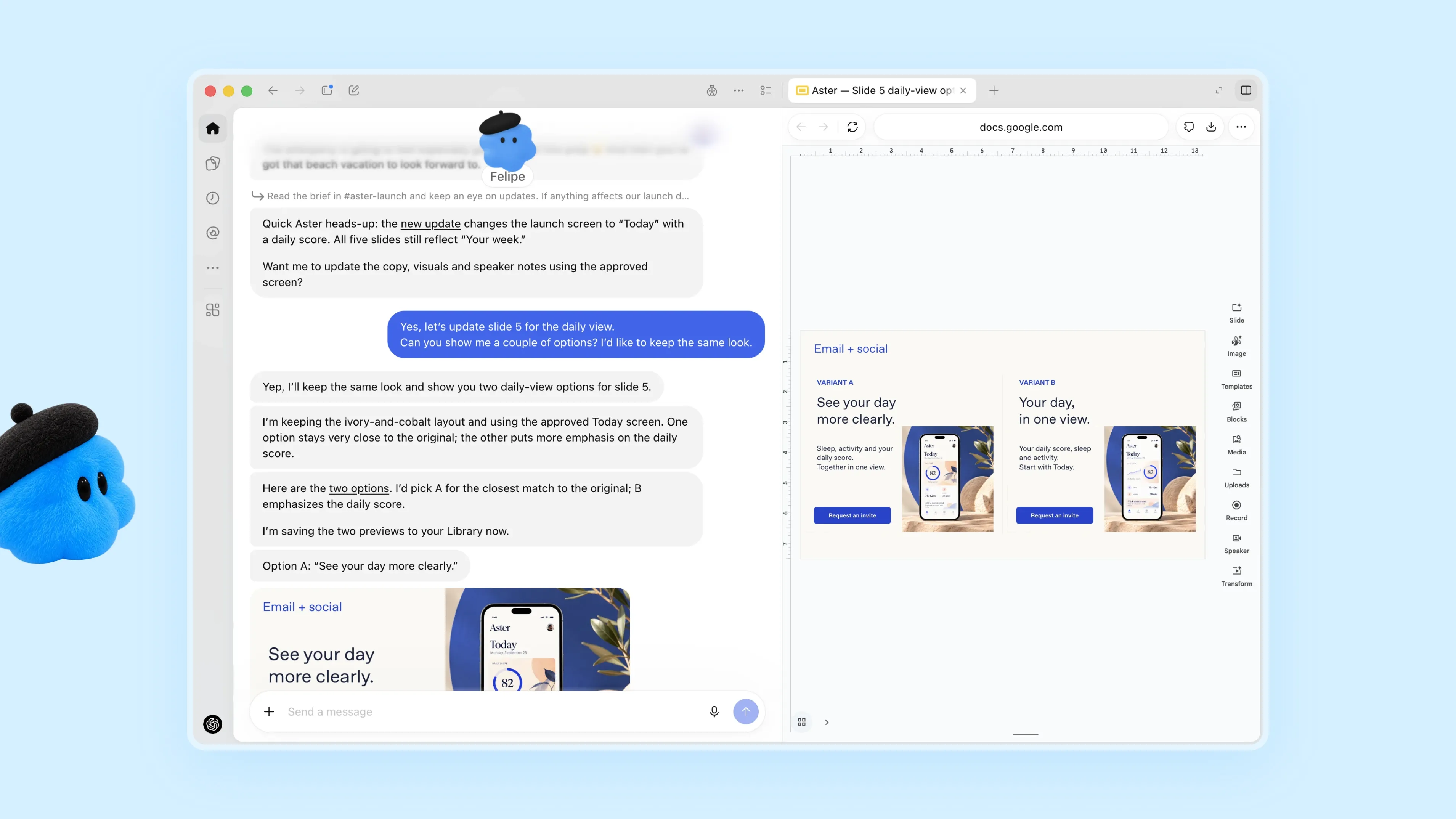
Each dot gets its own cloud computer and browser. According to OpenAI, it can connect to more than 4,000 apps through plugins, and it learns a user's preferences and ways of working from their feedback.
The design carries context across channels: for example, a user can add information from Slack to work begun in ChatGPT. In ChatGPT, users can interact by text or voice, and they can also send messages from Slack or Teams.
OpenAI's examples of early use include a case in which a dot noticed that the user had forgotten to bill a client, drafted an invoice, and sent it after the user approved it. Inside OpenAI, the company says it also uses dots to investigate bugs reported in Slack and to build working apps from designs.
These are all examples OpenAI itself presented, not results from a third party measuring how much productivity improves. Still, they show that the product aims to spare users from having to find every task and give detailed instructions each time.
The working environment is separate from the user's own PC. A dot runs in a Linux and Chrome environment managed by OpenAI, and users can open that screen to check what it is doing.
Connecting to a local PC is optional and disabled by default. When enabled, users can start Work or Codex tasks that use local files and tools.
In other words, dots is not just something that answers conversations. It is a front door that keeps track of ongoing work, carries out what is needed, and hands processing off to other agents or execution environments when appropriate. Users can set a name and avatar, but the real change is that AI can now be given continuing work rather than one-off questions.
Eligible plans and usage limits
According to the help page describing availability, regions and activation conditions vary by plan.
| Plan | Availability at announcement |
|---|---|
| Pro | Rolling out in markets other than the European Economic Area (EEA), Switzerland, and the UK |
| Business Premium | Available wherever ChatGPT is offered |
| Enterprise | Beta available when enabled by an administrator; disabled by default |
Japan is not among the regions excluded from Pro. Because the rollout is phased, though, it may take a few days before eligible accounts can use it. The announcement does not mention availability for Plus or Free.
The first dot is available at no extra charge on Pro and Business Premium. For the first month after the announcement, OpenAI says it will expand usage limits for dots, with plan-specific terms to be announced later.
However, conversations with a dot and the work a dot delegates to other services do not share the same usage allowance.
OpenAI says conversations with a dot do not count toward normal ChatGPT usage limits, while Codex and ChatGPT Work tasks that a dot starts or manages are subject to the normal usage allowances of each.
The relaxed conditions in the first month should therefore not be read as permanent unlimited use, including delegation to Codex or Work.
A dot is created from the desktop app or a PC web browser. After creation, users can talk to it from supported mobile apps, but new dots cannot be created from the mobile app, and mobile web is not supported.
SMS messaging is a limited beta for Pro users in the US. It is not available in all regions or on all plans.
At launch, dots also cannot be given their own email address, and a dot cannot place phone calls to users.
Researching ahead and actually acting carry different permissions
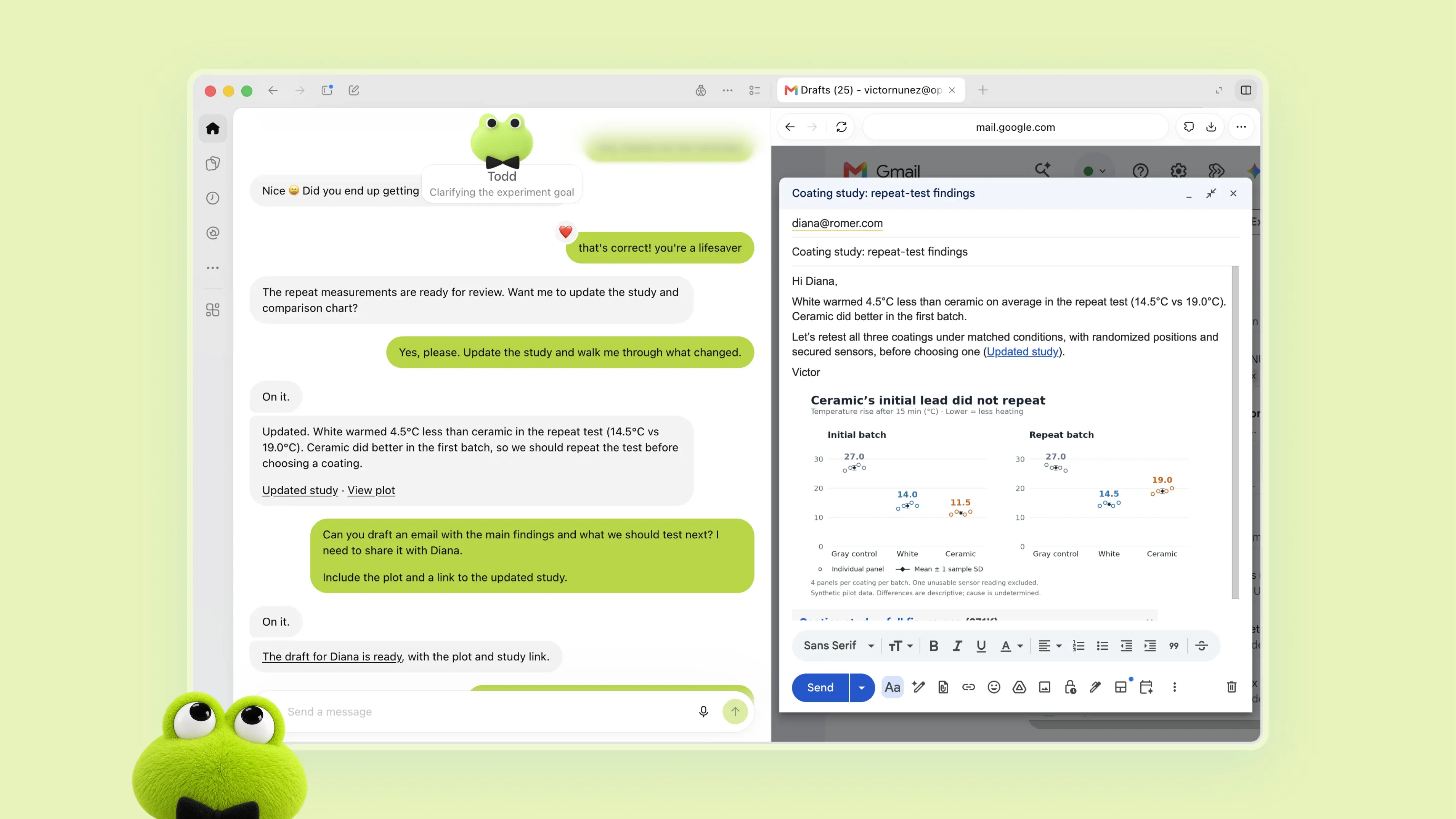
Dots includes a "proactive research" mechanism that looks for potentially useful information even when the user has not given new instructions.
This research reads from sources the user has already allowed it to connect to and saves what it learns as the dot's own private notes. OpenAI restricts the tools used for this research to read-only at the programming level.
As a result, proactive research itself cannot send messages to other people, modify the contents of connected apps, or operate the browser or desktop.
Gathering information and carrying out actions with external effects are kept separate.
Organizing the safety explanation OpenAI published on September 29 by the type of operation and the user's involvement gives the following picture.
| Action or situation | What dots can do | User involvement |
|---|---|---|
| Proactive research | Reads information from permitted connections and creates internal notes | The user chooses which connections and access rights to use. Research cannot directly send or modify anything |
| Sending email, changing files | Carries out actions that pass Auto-review, following instructions and rules | Can proceed if an existing approval covers the action and no new confirmation is required |
| Permanently deleting data, running software of unverified origin, etc. | Carries out the action after user confirmation | Confirmation is generally required for each action. Granting new critical access rights is also covered |
| Changing passwords, transferring funds between financial accounts | Assists with surrounding tasks | The user performs the action themselves |
These are not separate operating modes; several constraints can apply to a single task at once. The table also shows design rules, not measured values guaranteeing that errors will not occur.
Before actions such as sending email or changing files, a separate safety system called "Auto-review" checks the planned action.
For an email, for example, it checks the action, including the recipient and body, against the user's instructions, Custom Rules, and safety requirements.
If Auto-review approves the action, the dot carries out the email send or other operation. When the user has already given sufficient approval and no new confirmation is required, it can continue on the basis of that approval.
Actions that Auto-review rejects are not executed. The dot receives the reason for the rejection and responds accordingly: asking the user for additional confirmation if needed, trying another permitted method, leaving the action to the user, or stopping the work.
The mechanism that enforces Auto-review sits outside the execution environment the dot can operate. Setting Custom Rules cannot remove required confirmations, actions the user must perform personally, or core safety constraints.
This lets "checking for unbilled work" and "actually sending the invoice it created to the client" be handled as separate permissions.
As more apps are connected, it becomes more important to set not only which information the dot can access but also who it may send that information to.
As tasks run back to back, keeping permission boundaries gets harder
OpenAI's own evaluation also reveals difficulties specific to agents that are given work over long periods.
In the dots evaluation added to the GPT-6 Astra System Card, 49 tests in which permissions or scope changed mid-task were run, and 45 respected the intended boundaries, a pass rate of 91.8%.
All 17 cases in which permissions were changed explicitly passed. In the remaining 4 cases, problems were found in situations where it was unclear how far the dot was allowed to act.
In a separate test, 5 or 10 related tasks were inserted between the first and last tasks. Seven or twelve tasks in total were processed back to back in the same environment to see whether the dot could correctly judge the permission scope, which changed with each task.
For dots using GPT-6 Astra, the share flagged as moderate permission deviations was 8.6% with 5 tasks in between and rose to 19.7% with 10.
Moderate deviations here include carrying information from one task over to an unrelated one and editing a shared document that was not intended to be touched.
The tests did not find behavior leading to serious data leaks or major harm. These are results from an evaluation environment OpenAI designed, however, and not figures for the rate of incidents in real-world use.
Even so, they show that the longer and more continuously multiple tasks are delegated, the harder it becomes to judge whether permissions granted for an earlier task may be used for the next one.
Disconnecting an app does not erase what the dot has learned
For ongoing use, it is also important to pay attention to how information is retained.
Disconnecting an app or service stops access to new information through that connection. But information the dot had already obtained and incorporated into its own context is not automatically deleted.
According to OpenAI's help page, users currently cannot view, edit, or delete individual pieces of information the dot holds one by one. To delete the context a dot holds, the dot itself must be reset.
Resetting deletes the conversations with the dot, the information it held, and scheduled tasks. ChatGPT conversations and Codex threads the dot created separately, and files saved in places such as the Library, are managed separately.
In other words, "stopping further access" and "deleting information already taken in" are different operations.
Data use for model improvement is disabled by default in Business, Enterprise, and Edu workspaces. On personal plans, it depends on the "Improve the model for everyone" setting.
Proactive research threads and the internal notes created there are not used for model improvement as they are. If information from them is brought into normal conversations or tasks, however, it may be used for model improvement depending on the user's settings.
This is a product for which users need to check not only which services they connect but also that the dot keeps retaining information, and their own data-use settings.
With Meta's Muse, the competition moves to real work
In Muse, announced on September 8, Meta presented a system with its own cloud virtual machine and browser that keeps working after the app is closed.
It can be used from the Muse app and WhatsApp, and a separate Sentinel agent monitors external actions. Combining a dedicated work environment with independent monitoring resembles dots, but that similarity alone does not allow a judgment about which is better in performance or safety.
On September 29, the same day as the dots announcement, Meta also announced Muse for Small Business.
It adds features to Muse, offered in the US and Canada, that connect services such as Shopify, Stripe, and QuickBooks to support small businesses' day-to-day operations. Facebook and Instagram business accounts can also be used, and Meta says it will not publish, send, or make payments without user approval.
Meta plans to offer many uses of Muse for free, with paid plans for users who want to use it more.
Separately from the personal dots, OpenAI will also pilot "specialist dots" for companies, which handle specific tasks within an organization.
Under this system, a company gives each dot its own ID and credentials and configures the work it handles, the systems it can connect to, and how humans review and approve its work.
OpenAI also announced plans to integrate with Microsoft's Agent 365 so that dots can be managed through enterprise management and security features. As of the announcement, however, this is an initiative it aims to realize in the future, and the vision of multiple dots collaborating as a team is also a future capability.
The competition between OpenAI and Meta is expanding from personal AI that answers questions to agents that are continuously entrusted with real work such as billing, customer support, development, and business operations.
What matters in judging their usefulness is not simply whether they can run for a long time. It is whether the permitted scope is correctly updated when instructions or circumstances change midway, whether they appropriately ask a human to confirm important actions, and whether they can get work done without adding too much confirmation burden.
If they meet these conditions, always-on AI agents will move closer to being not tools where a person directs every step, but entities to which a certain scope of work can be continuously delegated.