


iOS 18, announced by Apple at WWDC 2024 (Japanese), along with iPadOS 18, brings numerous new features powered by AI (Apple Intelligence), a refreshed Settings app, changes to the UI such as the Home Screen, and the addition of "Game Mode." This feature was already introduced last year in macOS Sonoma to improve performance while running game content, and it has now made its way to iOS/iPadOS as well.
Game Mode: Enhancing the Gaming Experience on iPhone and iPad
In iOS 18 and iPadOS 18, the device enters a special "Game Mode" when the user starts playing a game. Specifically, the following optimizations appear to take place:
- Minimizes background processing on the iPhone/iPad, maintaining a consistently high frame rate even after hours of gameplay.
- Significantly reduces latency when using Bluetooth game controllers.
- Significantly reduces audio latency when using AirPods.
Since the switch to Game Mode happens automatically via the OS, users don't need to do anything special. When you actually launch a game, a pop-up like the one below appears, confirming that Game Mode has been applied.

While Game Mode turns on automatically, if you specifically want to turn it off, you can either tap the notification icon while the above notification is displayed, or swipe down from the top right of the display to open Control Center, where you'll see the name of the game you're playing and "Game Mode" listed at the top. Tapping this brings up a switch menu as shown below, allowing you to toggle Game Mode on or off.
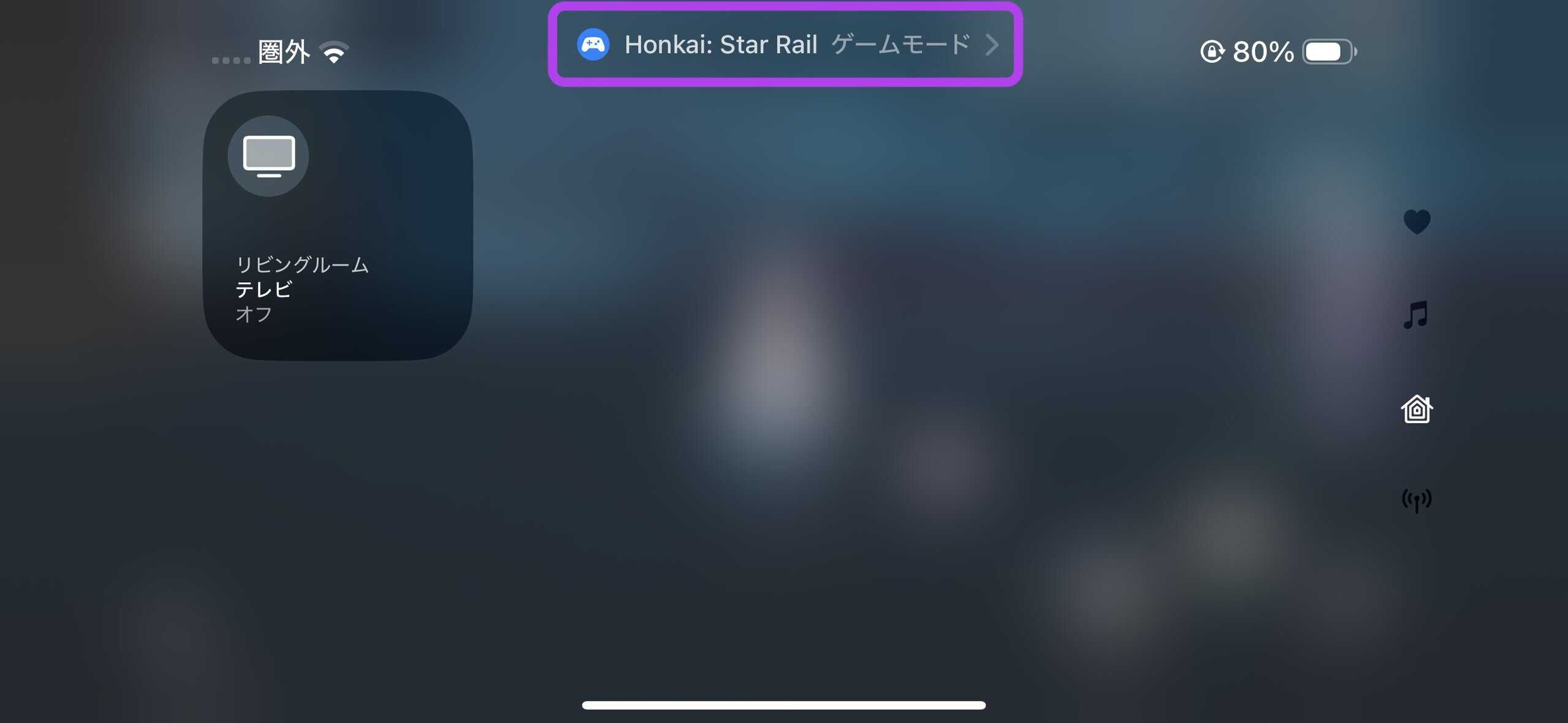
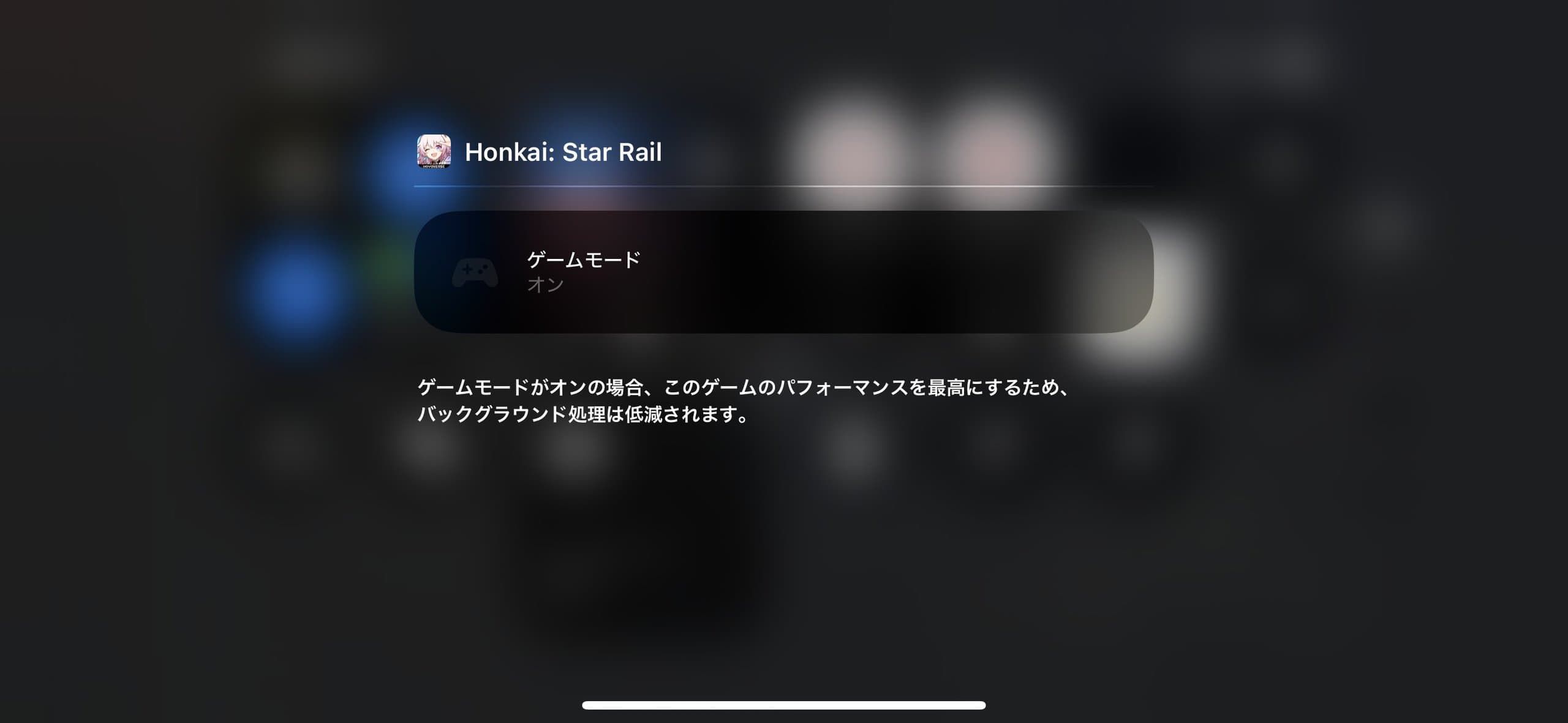
When Game Mode is on, the icon in the notification center is displayed in blue, but when Game Mode is turned off, the notification center icon switches to gray, as shown below.
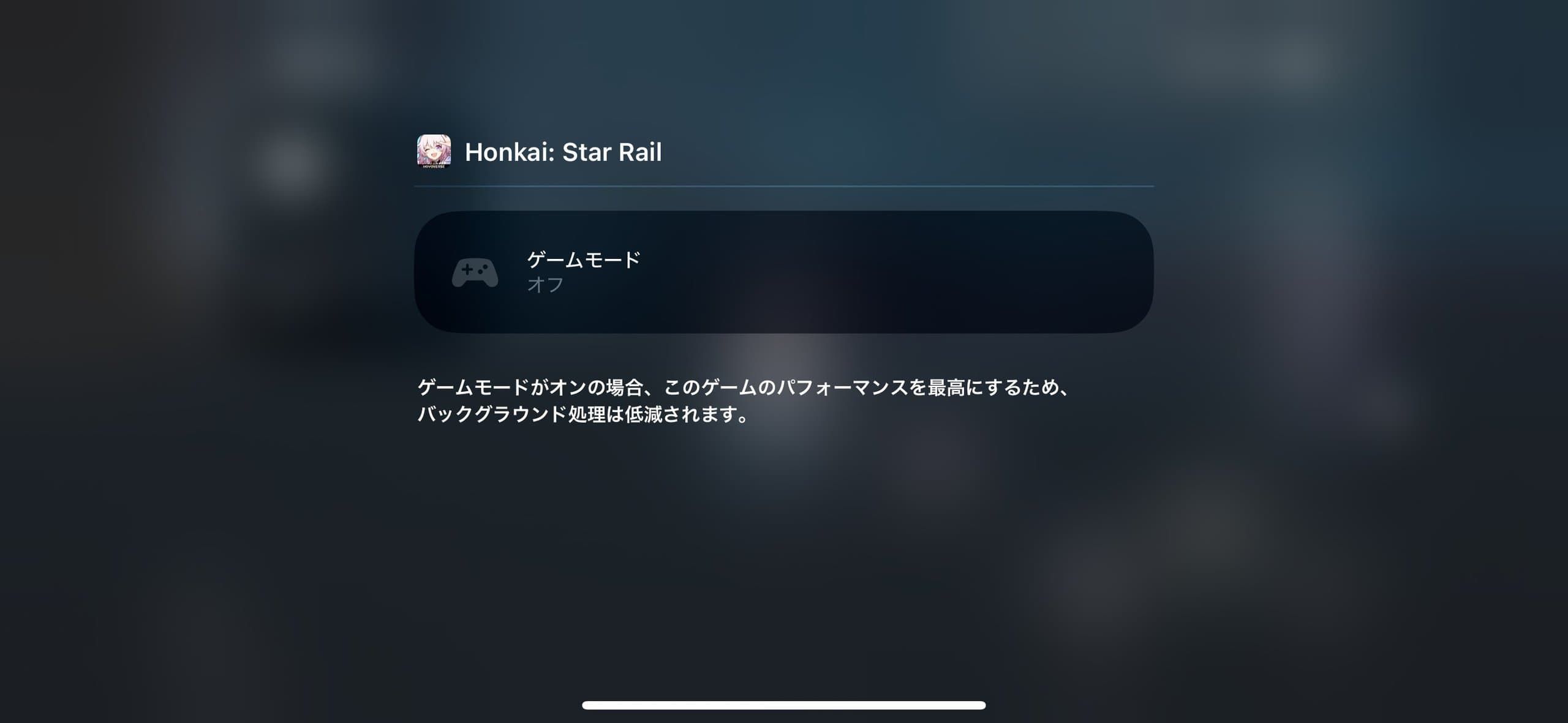
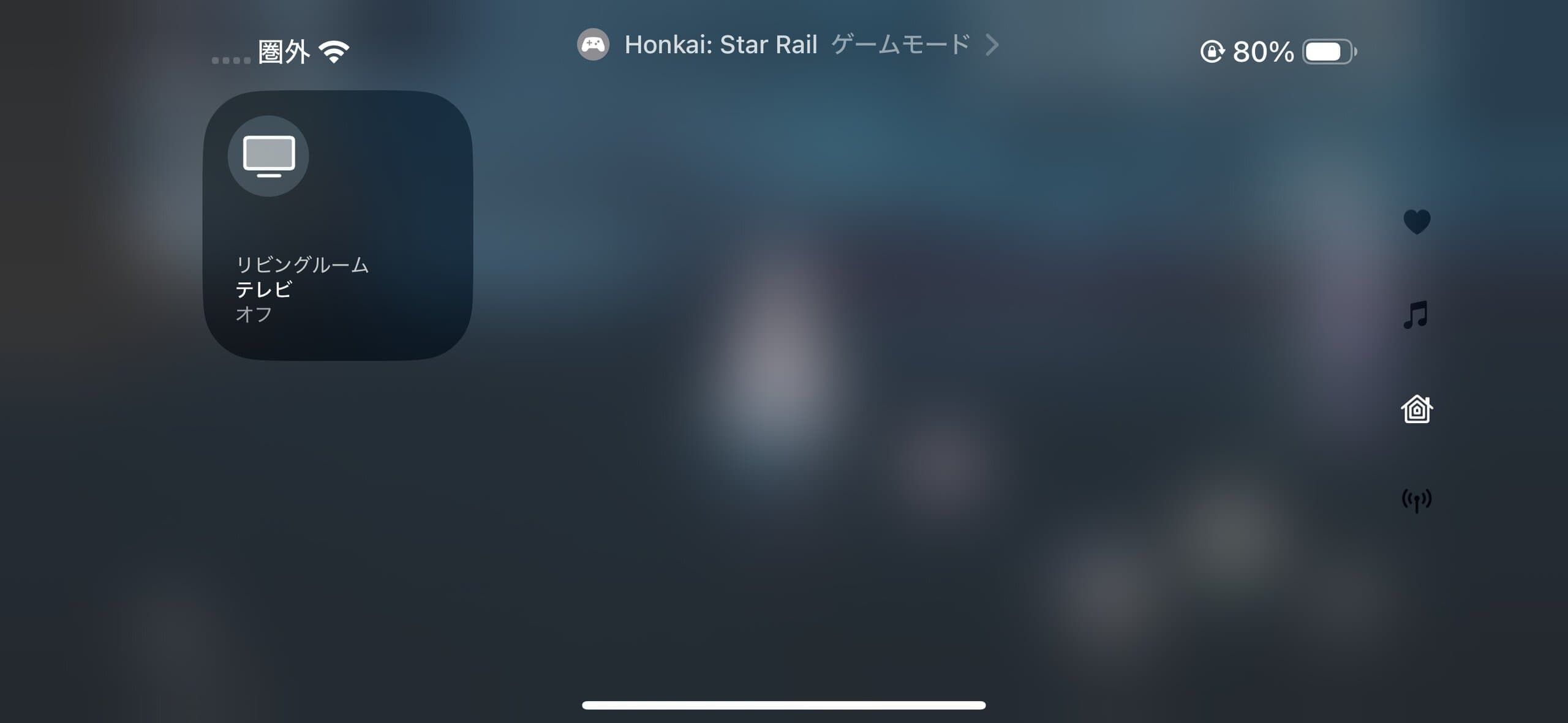
It will take further testing to determine exactly how much of a difference this makes, but the reduced audio latency is likely to be noticeable in scenarios where it matters most—such as playing graphically intensive 3D games like Genshin Impact or Assassin's Creed Mirage, or playing rhythm games with AirPods.
On the flip side, this may have little noticeable effect on lighter games such as Puzzle & Dragons.
Still, the addition of a feature like this suggests that Apple is serious about its efforts in gaming. The Windows game porting tool "Game Porting Toolkit 2" now also supports the AVX2 instruction set, enabling the porting of more advanced games, and it's expected that devices with the M4 chip and beyond will deliver an even better gaming experience.
iPhone and iPad Models That Support Game Mode
Since Game Mode for iPhone and iPad is implemented in iOS 18 and iPadOS 18, it is available on devices that support these operating systems. Specifically, the following devices are supported.
iPhone
- iPhone XR, iPhone XS, and XS Max
- iPhone 11, iPhone 11 Pro, and 11 Pro Max
- iPhone 12 and 12 mini
- iPhone 12 Pro and 12 Pro Max
- iPhone 13 and 13 mini
- iPhone 13 Pro and 13 Pro Max
- iPhone 14 and 14 Plus
- iPhone 14 Pro and 14 Pro Max
- iPhone 15 and 15 Plus
- iPhone 15 Pro and 15 Pro Max
- iPhone 16 and 16 Plus
- iPhone 16 Pro and Pro Max
- iPhone SE (2nd generation)
- iPhone SE (3rd generation)
iPad
- iPad Pro (M4)
- 12.9-inch iPad Pro (3rd generation and later)
- 11-inch iPad Pro (1st generation and later)
- iPad Air (M2)
- iPad Air (3rd generation and later)
- iPad (7th generation and later)
- iPad mini (5th generation and later)
Source